Read ad results and recommendations
See your Meta campaigns, how much they spent and what they brought in, and act on automatic suggestions for improving them. Campaign settings are changed in Meta Ads Manager and sync back here.
Where to find it: /admin/ads/insights in your admin.
Shows up when the Ads feature is turned on for your site.
View your campaigns
Open Marketing → Ads → Campaigns. Each row shows the Campaign name, goal, status and Daily budget. Click a campaign to see its Campaign settings and the Last 7 days of spend.
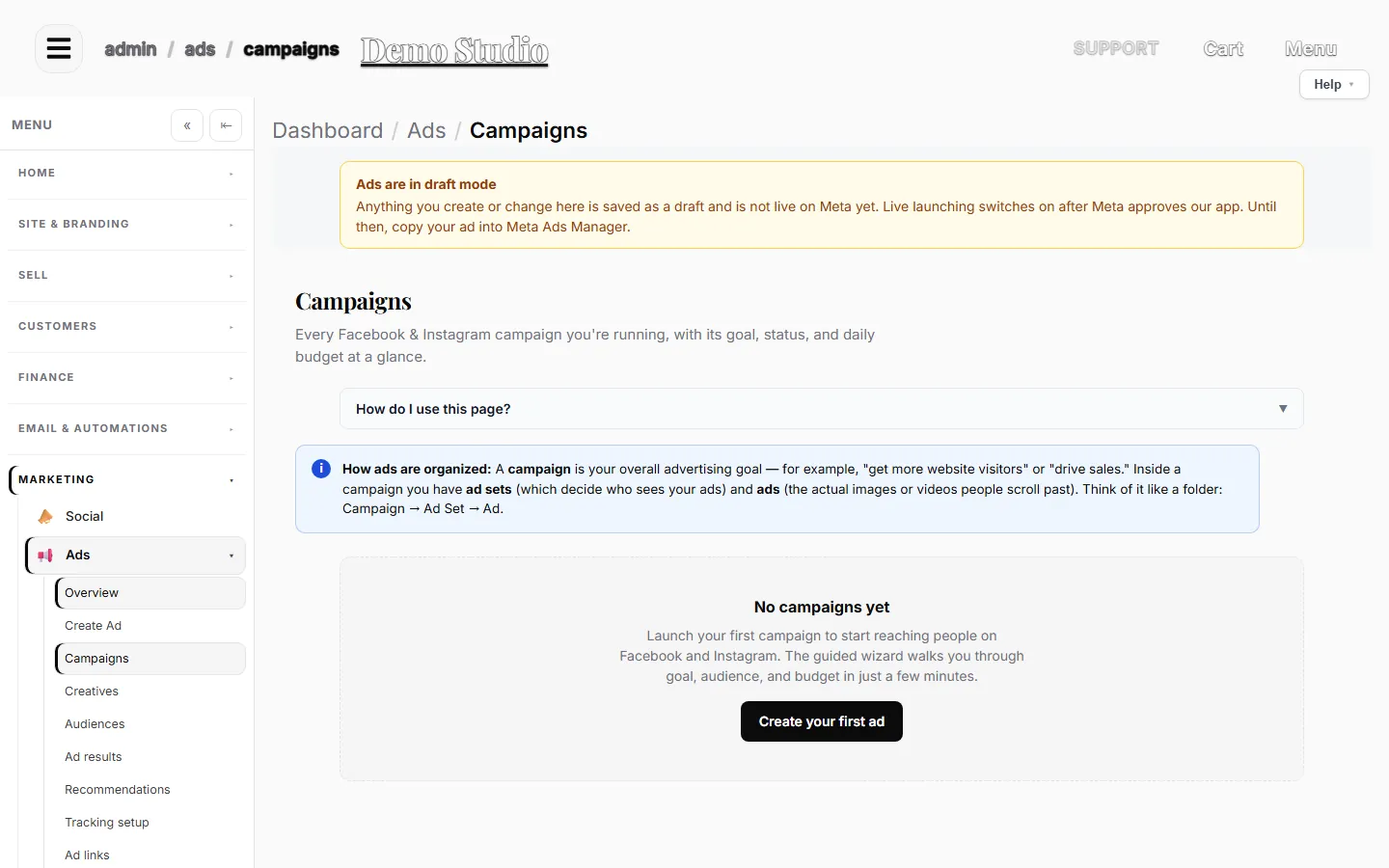
This page is for viewing. To change a budget or goal, or to turn a campaign on or off, use Meta Ads Manager. Your changes sync back here.
Read your ad results
- Open Marketing → Ads → Ad results. The page is titled Insights.
- Pick a date range and read the tiles and the Performance over time chart.
- Click Sync now to pull the latest numbers from Meta.
- Click Export CSV to download the numbers.
| Number | What it means |
|---|---|
| Spend | How much your ads cost in the date range. |
| Reach | How many people saw your ads. |
| Conversions | Actions people took after seeing your ads, such as a purchase. |
| ROAS | Return on ad spend: money back for every dollar spent. |
| CTR | Click-through rate: the share of people who clicked. |
| CPM | What you paid for every 1,000 times your ad was shown. |
Use the recommendations
Open Marketing → Ads → Recommendations. Each card is a suggestion based on your ad data, such as a placement that costs too much or an ad that's wearing out. Filter with Show suggestions: All, Pending, Applied or Dismissed.
- Read the card.
- Click its action button to apply it, or Dismiss to hide it.
- If you change your mind right away, click Undo.
Other buttons, like Flag for Creative Refresh, Disable Placement or Expand Audience, only record the suggestion as a note. Make the change yourself in Meta Ads Manager. In draft mode every button reads Save as draft and nothing reaches Meta.
Saved ad text
Marketing → Ads → Creatives keeps reusable ad text. Click + New creative, give it a Name, pick a format, write the headline and body text, and click Save creative. Items marked AI were written for you by the ad builder.
Questions
Why does my campaign show no data?
Results appear after a campaign has run for at least a day. If you just launched, click Sync now on the Insights page.
Can I pause a campaign from here?
No. Pause and resume campaigns in Meta Ads Manager.
Does Dismiss change anything in Meta?
No. It only hides the suggestion.