Create a Facebook and Instagram ad
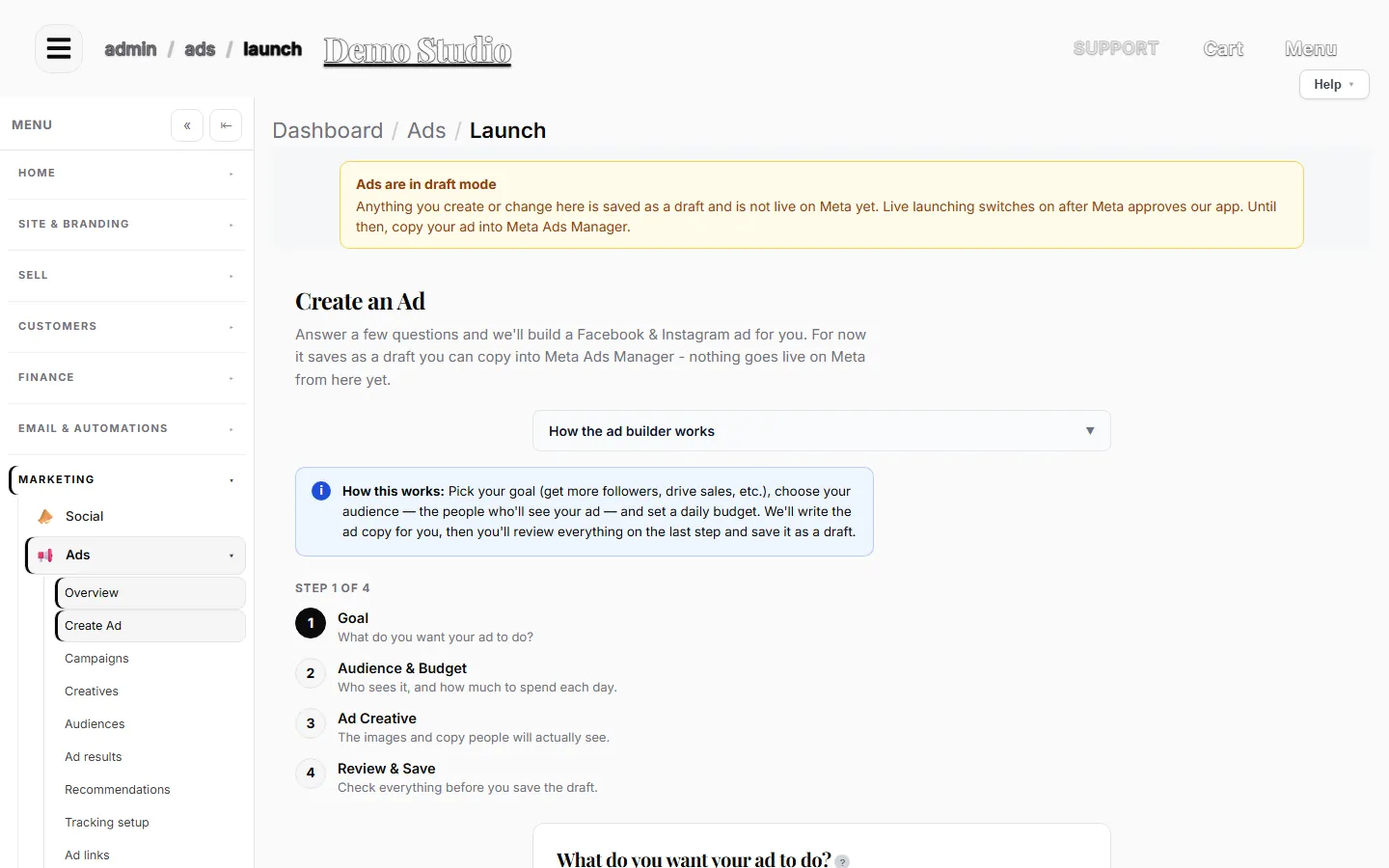
Answer four short steps and your admin builds a Facebook and Instagram ad for you, with the ad text written by AI. The ad is never switched on from your admin. You review it and turn it on in Meta Ads Manager.
Where to find it: /admin/ads/launch in your admin.
Shows up when the Ads feature is turned on for your site.
Before you start
Connect Meta and choose your ad account and Facebook Page first. See Set up ads and tracking.
Your admin works in one of two ways. Check the top of the page:
- If you see Ads are in draft mode, your ad is saved as a draft. You copy it into Meta Ads Manager yourself.
- If you don't see that banner, your ad is created in your Meta ad account, paused. Nothing spends until you switch it on in Meta Ads Manager.
Build the ad
- Open Marketing → Ads → Create Ad.
- Goal: pick one, such as More Bookings, More Sales or Promote an Event, and click Next.
- Audience & Budget: set location, age and interests. Drag How much do you want to spend each day? and optionally set a Start date and End date. Click Next.
- Ad Creative: edit the three ad texts. Choose Where should the ad send people? and optionally paste a Picture web address. Click Next.
- Review: check Name your campaign and the summary, then click Save as draft or Save Campaign.
In draft mode: copy it into Meta Ads Manager
After Save as draft, the Ready for Ads Manager screen shows a box for each part: campaign name, objective, audience, budget, the ad text, the website link and the picture.
- Open Meta Ads Manager in another tab and start a new campaign.
- Copy each box into the matching field, or click Copy all.
- Download the picture or video if there is one.
- Review and publish the campaign in Meta Ads Manager.
When ads are live: switch it on in Meta
After Save Campaign, the screen says "Your ad is created - and paused". The campaign, ad set and ads are all in your Meta ad account, paused.
- Open Meta Ads Manager and find your campaign.
- Check the picture, the text and the audience.
- When you're happy, switch it on there.
Questions
How much can I set as a daily budget?
The slider goes from $5 to $200 a day. You can change the budget later in Meta Ads Manager.
Can I turn my campaign on or off from my admin?
No. Turn campaigns on and off, and change budgets or goals, in Meta Ads Manager. Changes sync back to your Campaigns page.
Why can't I lower the age on my audience?
Some businesses, such as 21+ venues, have an age floor that can't be lowered.
Something failed while saving. What now?
The page shows what failed and what was already created. Click Try again.