Check your API usage charges
The API Usage page shows what your paid add-ons, such as the voice agent and live translation, have cost in a date range, and what you'll be charged for them.
Where to find it: /admin/usage in your admin.
Check your usage
- Go to Finance → API Usage. It opens on the current month.
- To see a different range, set From and To.
- Click Refresh.
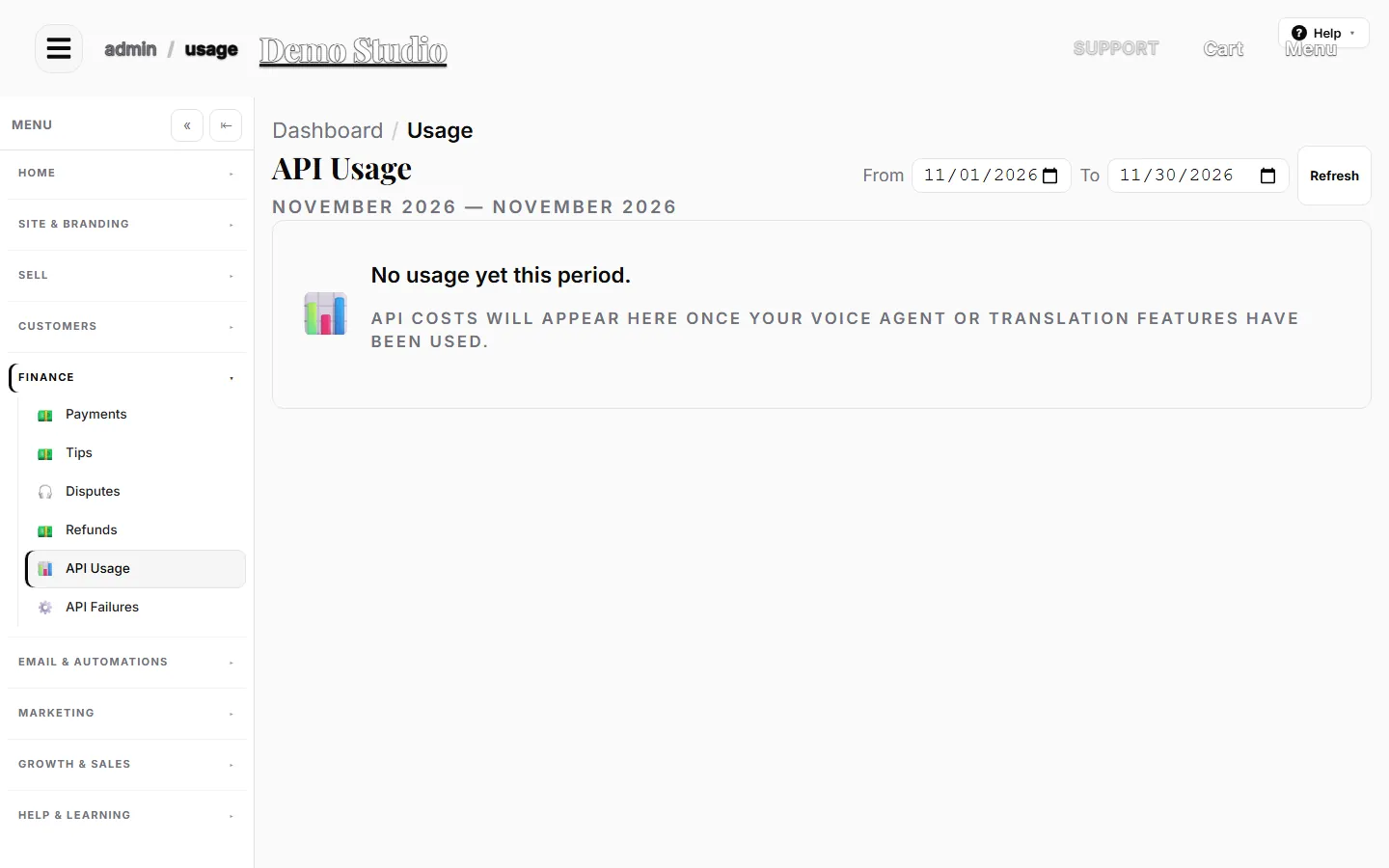
If you see "No usage yet this period.", none of your paid add-ons have been used in that range.
What the numbers mean
| On screen | What it shows |
|---|---|
| What you'll be charged | The total you'll be billed for the range. It includes our service fee. |
| Underlying provider cost | What the outside services charged us for your usage. |
| Breakdown by service | Each add-on, how much it was used, and your charge for it, with a Total row. |
This page is read only. Nothing here changes your plan or charges you.
Questions
Which features show up here?
Paid add-ons that are billed by use, such as the voice agent and translation. If you don't use them, the page stays empty.
Can my staff see this page?
Staff with the View finances permission can.