Fill in your Business Brain
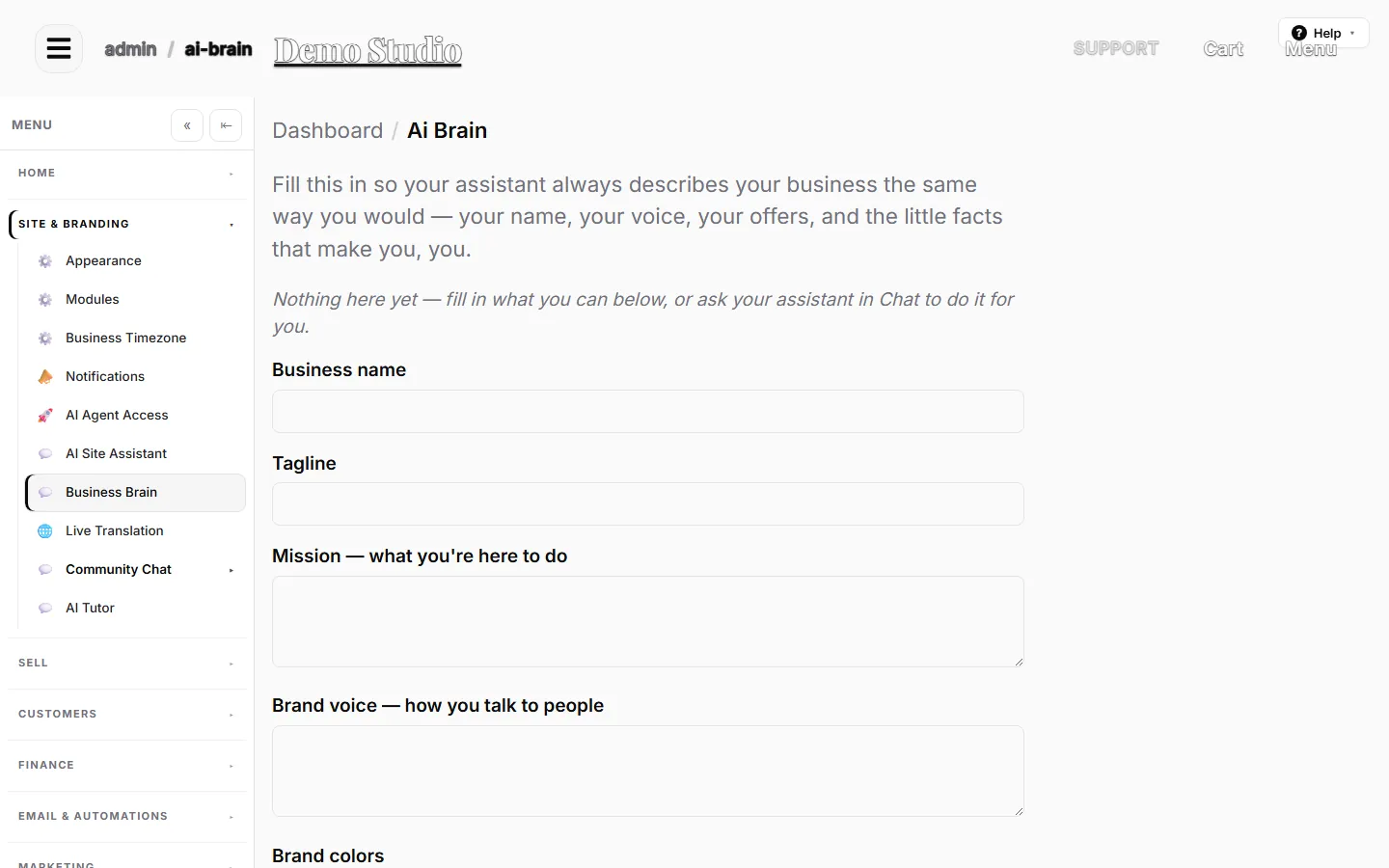
The Business Brain is one record of who your business is: your name, voice, offers, links and key facts. Your AI assistant reads it so it always describes your business the way you would.
Where to find it: /admin/ai-brain in your admin.
Shows up when the AI Site Assistant feature is turned on for your site.
Fill in your Business Brain
- Open Site & Branding → Business Brain. You can also reach it from the Business Brain tab in the AI Site Assistant.
- Fill in Business name, Tagline, Mission — what you're here to do and Brand voice — how you talk to people. For example: "Warm, playful, never salesy."
- Under Brand colors, type a hex code such as #111111 and click Add color. Click × on a chip to remove it.
- Fill in Heading font and Body font.
- Click Save. Wait for Saved.
Add offers, links and facts
- Under What you offer, click + Add an offer and fill in the title, a quick description and the price, such as "starts at $50".
- Under Links, click + Add a link and add a name and web address, such as your Instagram page.
- Under Other things worth knowing, click + Add a fact, such as Hours: "Open 7 days, noon–8pm".
- Click Remove on any row you no longer want.
- Click Save.
Empty offer and fact rows are dropped when you save.
Let your assistant fill it in
You can ask your assistant in Chat to fill in or update the Business Brain for you. The line at the top shows Last edited by you. or Last edited by your assistant. so you know who made the last change. Check it after the assistant edits.
Fleet memory
Fleet memory lists facts and decisions your AI employees pick up as you work. Every employee shares it, so you do not have to tell each one the same thing twice. Each entry shows who added it and how long ago.
- Click Sync brand voice & offers into memory to copy your latest brand voice and offers into this shared memory.
- You will see how many items were synced.
Questions
Why can't I save?
You need at least one field filled in. A completely blank Business Brain cannot be saved.
Does this change what my website shows?
No. It only guides your AI assistant and phone agent.
Can my assistant overwrite what I typed?
Yes, if you ask it to update the Business Brain. Check Last edited by to see who changed it last.