Edit your menu and top banner
The Header step of the Appearance editor controls your site's menu, the main button in the top bar, banner music, and how the top banner looks. Use it to hide, rename, reorder or feature pages in your menu.
Where to find it: /admin/site-appearance/header in your admin.
Hide, rename, reorder or feature pages
Open What's in your menu. It lists the same pages your visitors see, in the same order.
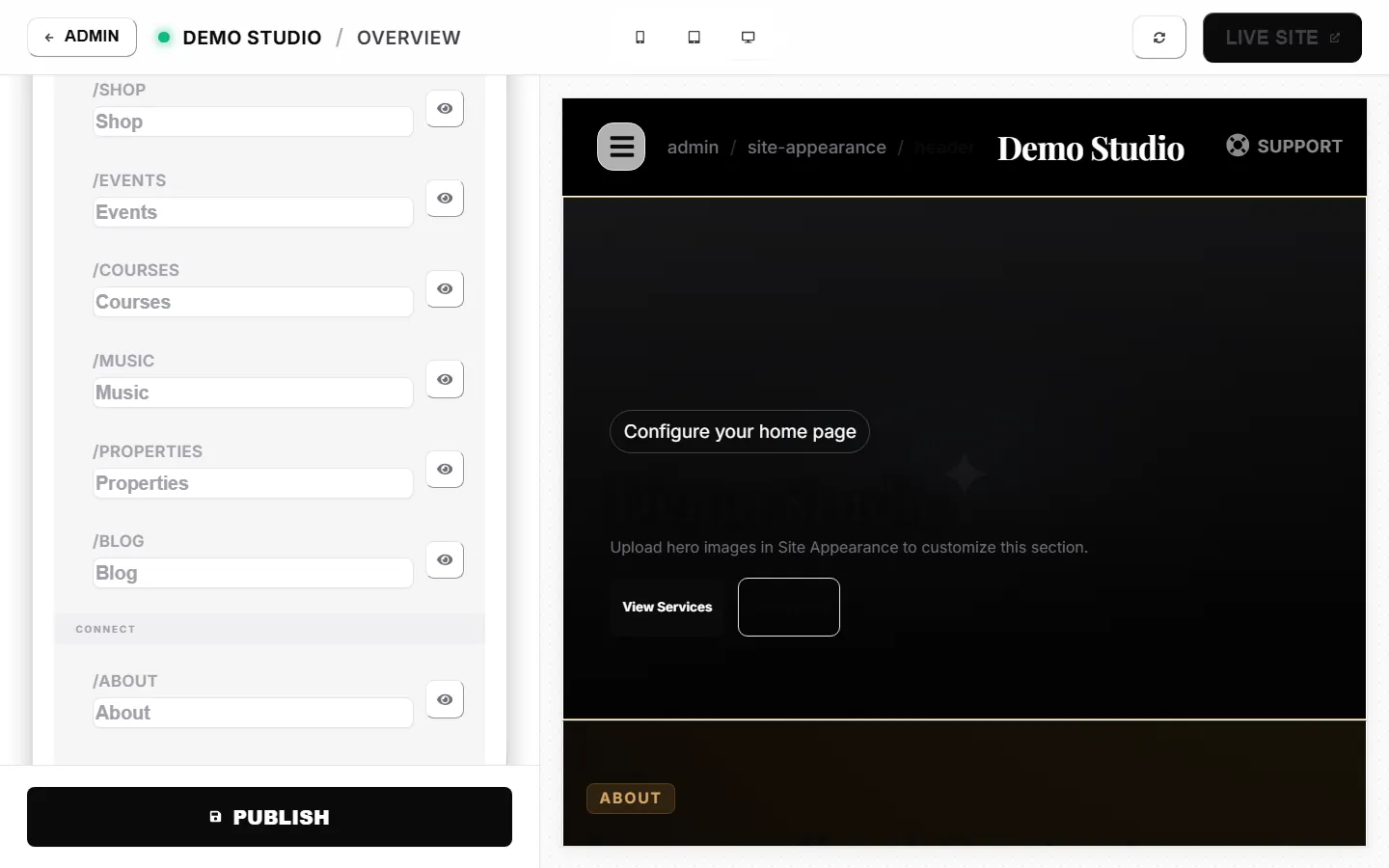
- To hide a page, click the eye icon on its row. It moves to Not showing with the reason You switched this off.
- To bring it back, click the crossed-eye icon next to it under Not showing.
- To rename a page in the menu, type a new name in its row.
- To reorder, use the up and down arrows. The order sets the links across your top bar.
- To feature a page in a panel layout, click its star. The counter shows how many of 3 are featured. Under Panel order, the first page gets the biggest panel.
- Click Publish to put the new menu live.
| Reason under Not showing | What it means |
|---|---|
| You switched this off | You hid it with the eye icon. Click the crossed eye to show it again. |
| Turn on (feature name) to use this page | The feature behind that page is off. Click Open Features to turn it on, then come back. |
| Only shown for food & drink businesses | This page is only available for that type of business. |
| This site has no page built for it | Your site does not have this page, so it cannot be added to the menu. |
Change how the top banner looks
Open Top banner appearance. Start with a Quick presets option (Solid, Glassmorphism or Transparent / Blended), then fine-tune it.
- Stick to top of page keeps the bar visible while visitors scroll.
- Bar background: background color or gradient, and backdrop blur.
- Border: color, width and style.
- Text and Menu text legibility: text color, blend mode, outline and drop shadow. Normal (most legible) is the safest blend mode.
- Bar margin: space around the bar and between buttons.
- Action buttons and Button labels: button colors and corners, and the words used for the cart, notifications and menu buttons.
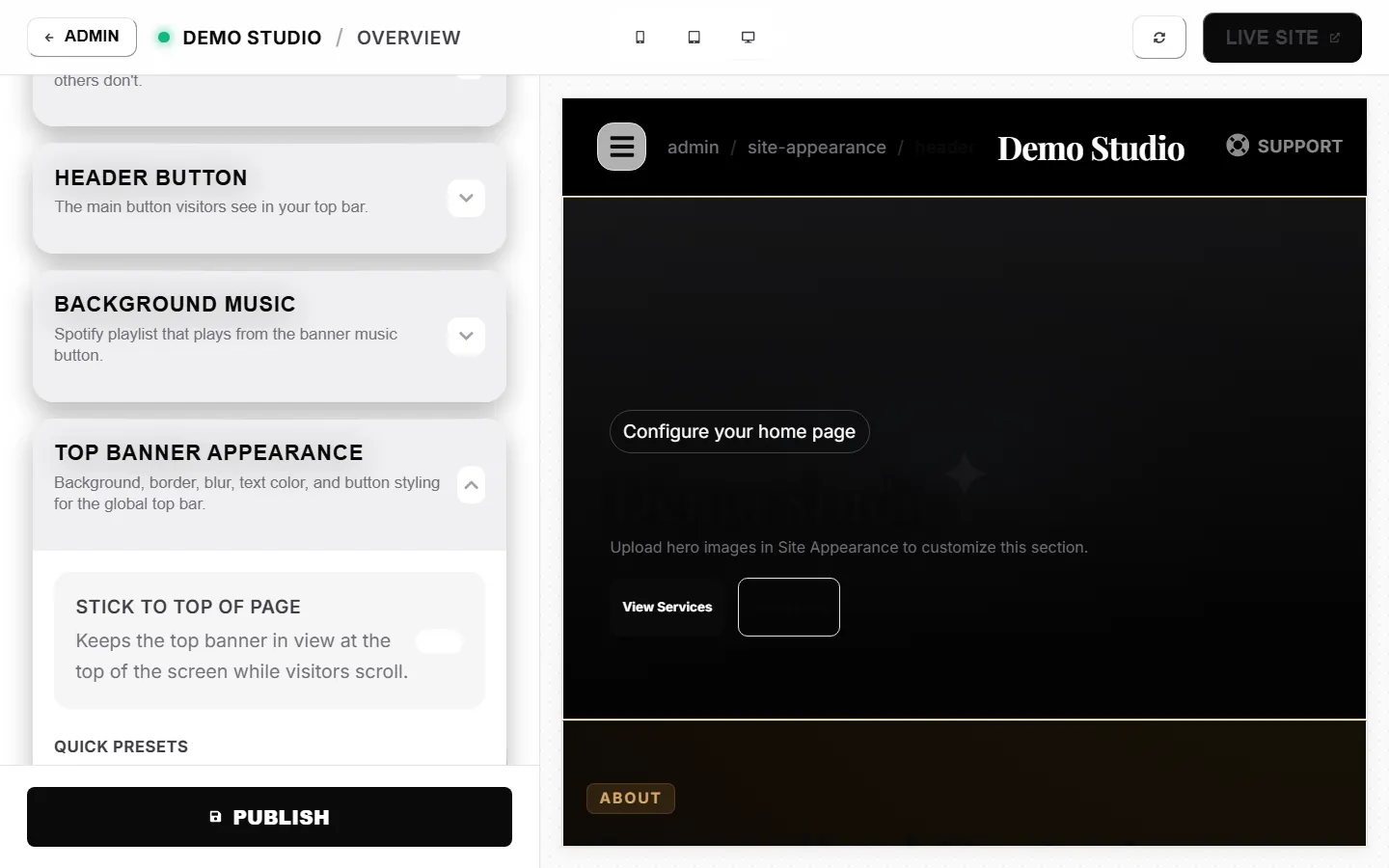
To undo only your banner styling, click Reset top banner appearance. To start the whole header over, open Restore defaults and click Reset header. That restores the default Support button and the original menu order. Nothing changes on your live site until you click Publish.
Questions
I added a new page. Why is it already in my menu?
Pages show in your menu by default. Only pages you hide with the eye icon, or pages that are not available, stay out.
Why is my menu still a tile grid after I picked Featured panels?
Panel layouts need at least one starred page. Star up to 3 pages in What's in your menu, then publish.