Find your agreements in Documents
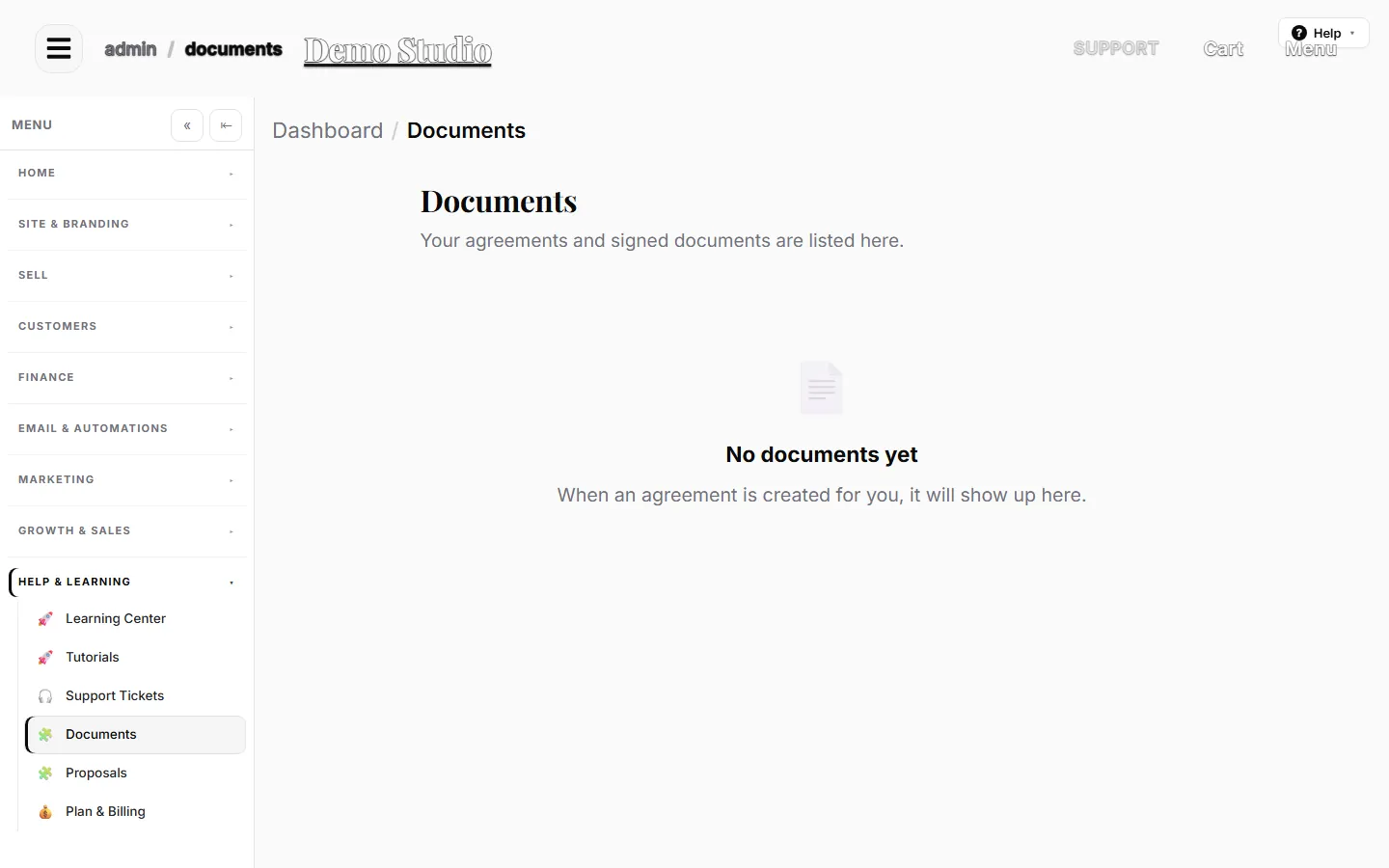
Documents is your archive of agreements and signed contracts, including proposals you've signed. Open one to read it, check who has signed, or save a PDF copy.
Where to find it: /admin/documents in your admin.
Find your documents
Open Help & Learning → Documents. Every agreement made for you shows here, with its status and the date it was completed. Signed documents show ✅.
| Status | What it means |
|---|---|
| Draft | Still being prepared. |
| Awaiting signatures | Ready, but nobody has signed yet. |
| Partially signed | Some people have signed, others haven't. |
| Signed | Everyone has signed. This is your final copy. |
| Voided | Cancelled. It no longer applies. |
Read a document and save a PDF
- Click a document to open it.
- Scroll to Signatures to see who signed and when. Anyone still to sign shows Signature pending with their email.
- Click 🖨 Print / Download PDF.
- In your browser's print window, choose Save as PDF as the printer, then save.
Click ← Back to Documents to return to the list.
Questions
Can I upload or write my own agreements here?
No. Documents is read-only. Agreements are prepared for you and show up here.
Where do I sign a new proposal?
In Proposals. Once you sign, the signed copy also shows up in Documents.