Manage your plan and billing
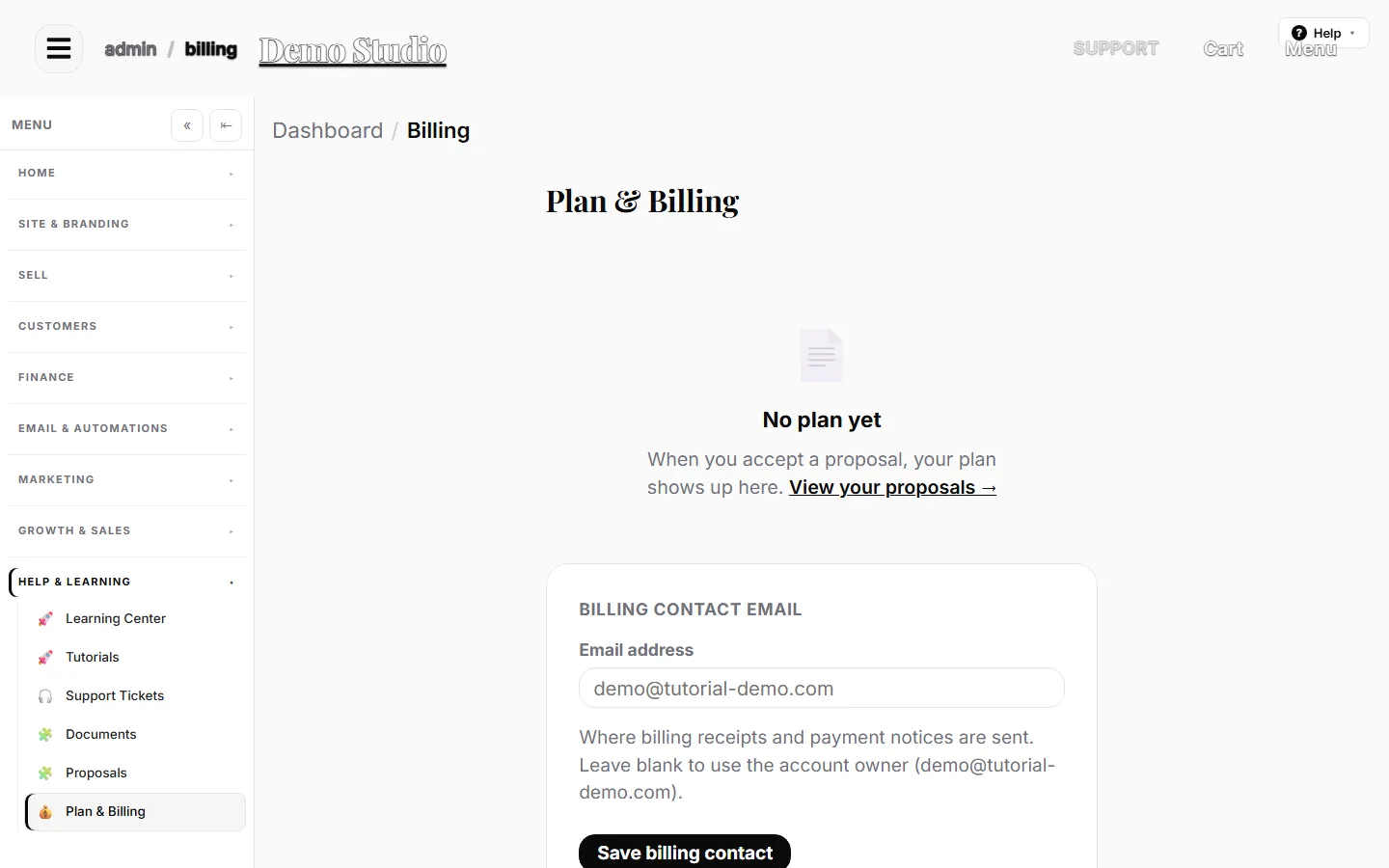
Plan & Billing shows your own plan with us: what you pay, the card on file, and your payment history. It's about your account, not your customers' payments.
Where to find it: /admin/billing in your admin.
See your plan
Open Help & Learning → Plan & Billing. The Your plan card shows your plan name, its price, when the next charge is due, and a status.
| Status | What it means |
|---|---|
| Waiting on a card | Your plan is ready but needs a card or a first payment to start. |
| Active | All paid up. The page shows your next charge date. |
| Past due | Your last payment didn't go through. Update your card. |
| Paused | Nothing will be charged until it's resumed. |
| Canceled | No further charges will run. |
If the page says Billing isn't turned on yet, nothing is due. If it says your plan will show up when you accept a proposal, see Proposals.
Add or replace your card
How you add a card depends on how your account is billed. You'll see one of these:
- A Card on file section: enter Name on card and your Card details, then click Save card. To swap cards later, click Replace card.
- An Add a card or Update card button: enter your card details, then click the button shown, such as Add card and start plan, Save card, or Update card and retry payment.
Your card number goes straight to the payment processor over a secure connection. We never see it.
Billing email and payment history
- Under Billing contact email, enter the address that should get receipts and payment notices. Leave it blank to use the account owner's email.
- Click Save billing contact.
Payment history lists every charge with the amount, the date and how it was paid.
| Status | What it means |
|---|---|
| Paid | The payment went through. |
| Failed | It didn't go through. The reason is shown on the row. |
| Pending | Still processing. |
| Refunded | The money was returned. |
Questions
How do I cancel or change my plan?
There's no cancel button on this page. Reply to any invoice email and we'll sort it out.
Who can see Plan & Billing?
Owners and admins with full access.
Where do I see what my customers paid me?
That's in Earnings. Plan & Billing only covers your plan with us.