Manage your events list
All Events is your day-to-day list of every event: what is next, what is on today, and quick buttons to edit, publish, open the live screen, duplicate or cancel.
Where to find it: /admin/events in your admin.
Shows up when the Events feature is turned on for your site.
Find an event
- Open Events → All Events. The page is titled Event Management.
- Search by title, venue or description.
- Pick Upcoming, All or Past, and a sort order.
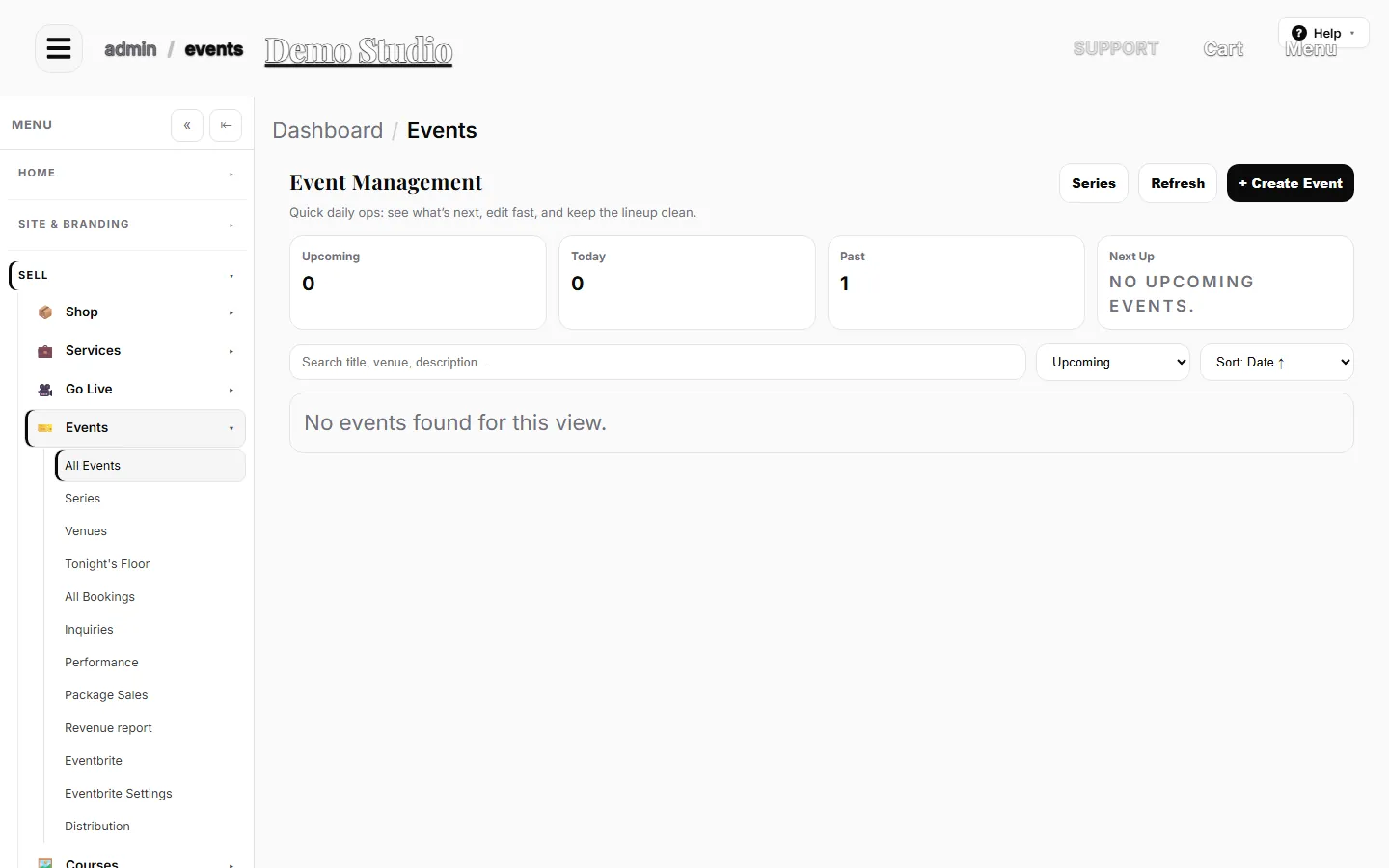
The tiles show Upcoming, Today, Past and Next Up. Today, Past and Upcoming are worked out in the event's own time zone. A Recurring chip opens the event's series. An EB chip shows its Eventbrite sales.
What each status means
| Status | What it means |
|---|---|
| Hidden | Not on your public site. |
| On sale | Public and selling. |
| Doors open | The night is running. |
| Done | The night has ended. |
| Archived | Put away for good. It can't go back to live or on sale. |
Each row shows the next step as a button:
- Publish puts a hidden event on sale. There is no confirmation.
- Unpublish hides an on-sale event. You can add a reason.
- Open doors starts the night.
- End night closes the night. Staff on live screens lose their dashboards. Door check-ins keep working.
- Archive needs a reason and can't be undone.
Edit, copy and open live ops
- Edit opens the event in the editor.
- Live Ops opens the live screen for that night.
- View opens the public event page.
- ... → Duplicate opens a new event filled in from this one, with " (Copy)" added to the title. The date is cleared and the Eventbrite and series links are not copied.
Cancel an event
- Click ... on the row.
- Pick Cancel event, or Cancel this night for one night of a series.
- Read the prompt and click OK.
A cancelled event disappears from your public lists and can't be bought. You can't undo it from this page. If paid bookings exist, the message tells you how many still need a refund from you.
Questions
Does cancelling an event refund ticket buyers?
No. Cancelling sends no emails and refunds nobody. Refund each buyer in your payment processor and let them know.
Can I bring an archived event back?
No. Archive is final. Use Unpublish if you only want to hide an event for now.