Connect Printify print on demand
The Printify page links your Printify print-on-demand shop to your site. Once connected, you can see the products made through Printify, publish them, and paid orders for them go to Printify to print and ship.
Where to find it: /admin/shop/printify in your admin.
Shows up when the Shop feature is turned on for your site.
Connect Printify
Open Sell → Shop → Printify. Until you connect, the page shows Hook up your Printify shop.
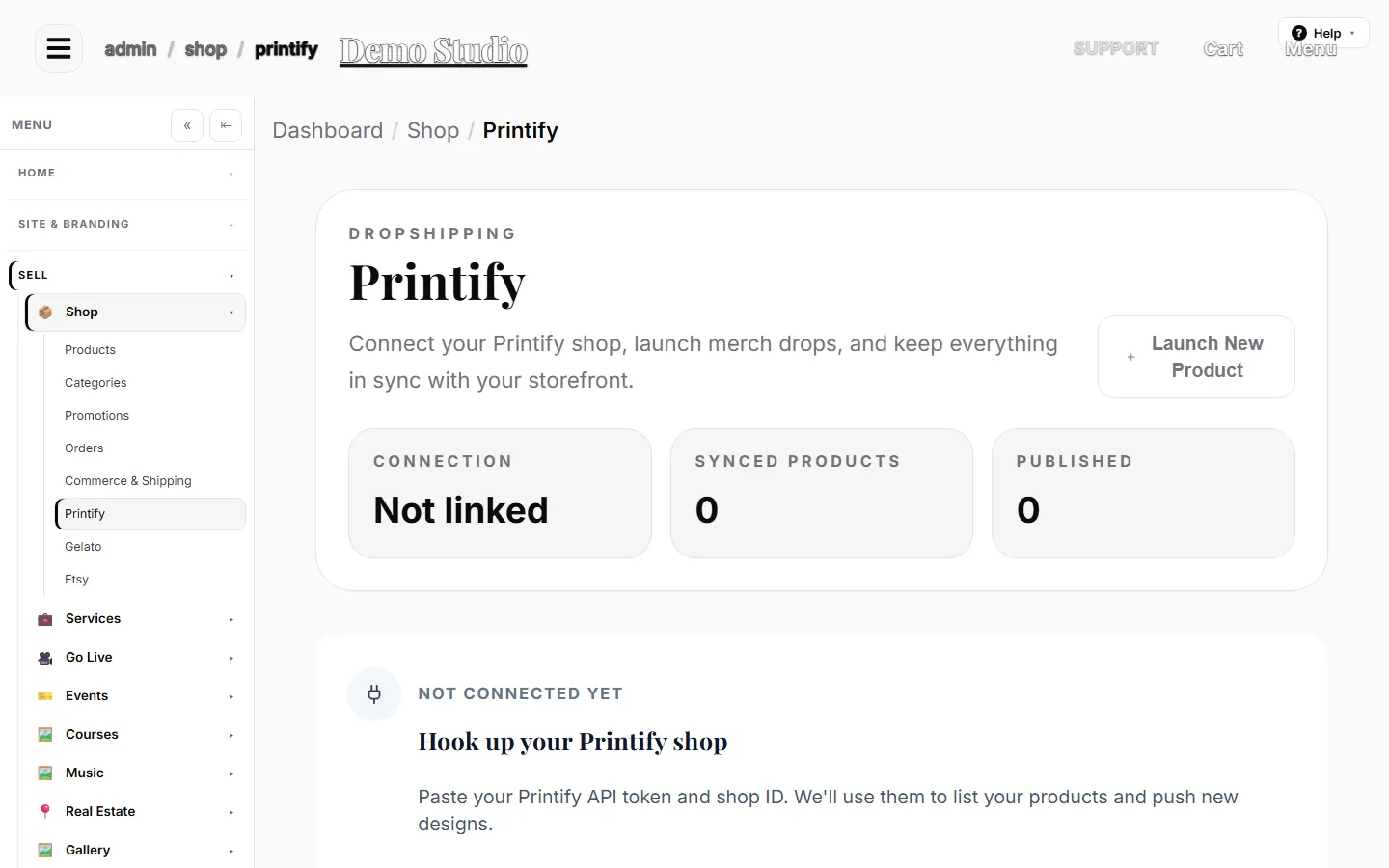
- In Printify, create an API token under My profile → Connections.
- Paste it into API token.
- Enter your Shop ID. You'll find it in your Printify dashboard address or shop settings.
- Click Connect Printify.
When it works, the card says Connected with your shop name and Shop ID. The token is cleared from the field and is never shown again.
See and publish your Printify products
The Synced products table lists everything created through Printify for your shop, with its Blueprint, Variants and Status. Click Refresh to reload it.
- Find the product in Synced products.
- Click Publish on its row.
Publish sends the product live in your Printify shop. It's refused while the product belongs to a shop drop that hasn't been released yet.
| Status | What it means |
|---|---|
| Draft | Created but not published through Printify yet. |
| Publishing... | Publish is in progress. |
| Published | Published through Printify. Publish is greyed out. |
| Failed | Publishing didn't go through. |
How Printify orders work
- Printify is asked to send the customer its shipping notice.
- Printify orders show up in Shop Orders like any other order.
- Refunding an order on your site doesn't cancel it at Printify. Cancel it in Printify yourself.
Questions
How do I disconnect Printify?
Disconnect (soon) isn't available yet. Contact support if you need to unlink your Printify shop.
Why is View greyed out and Variants shows a dash?
The table doesn't show every product detail yet. Open the product on Products or in Printify to see it.
Can I delete or unpublish a Printify product here?
No. There's no delete or unpublish button on this page.