Manage and refund shop orders
Shop Orders is your queue of shop orders. Use it to see what still needs to ship, add tracking, mark pay-at-pickup orders as paid, and send part of a payment back to a customer.
Where to find it: /admin/shop/orders in your admin.
Shows up when the Shop feature is turned on for your site.
Find an order
Open Sell → Shop → Orders. The top shows Open, Ready to ship, Discounted and Mixed (orders with shop items plus other purchases).
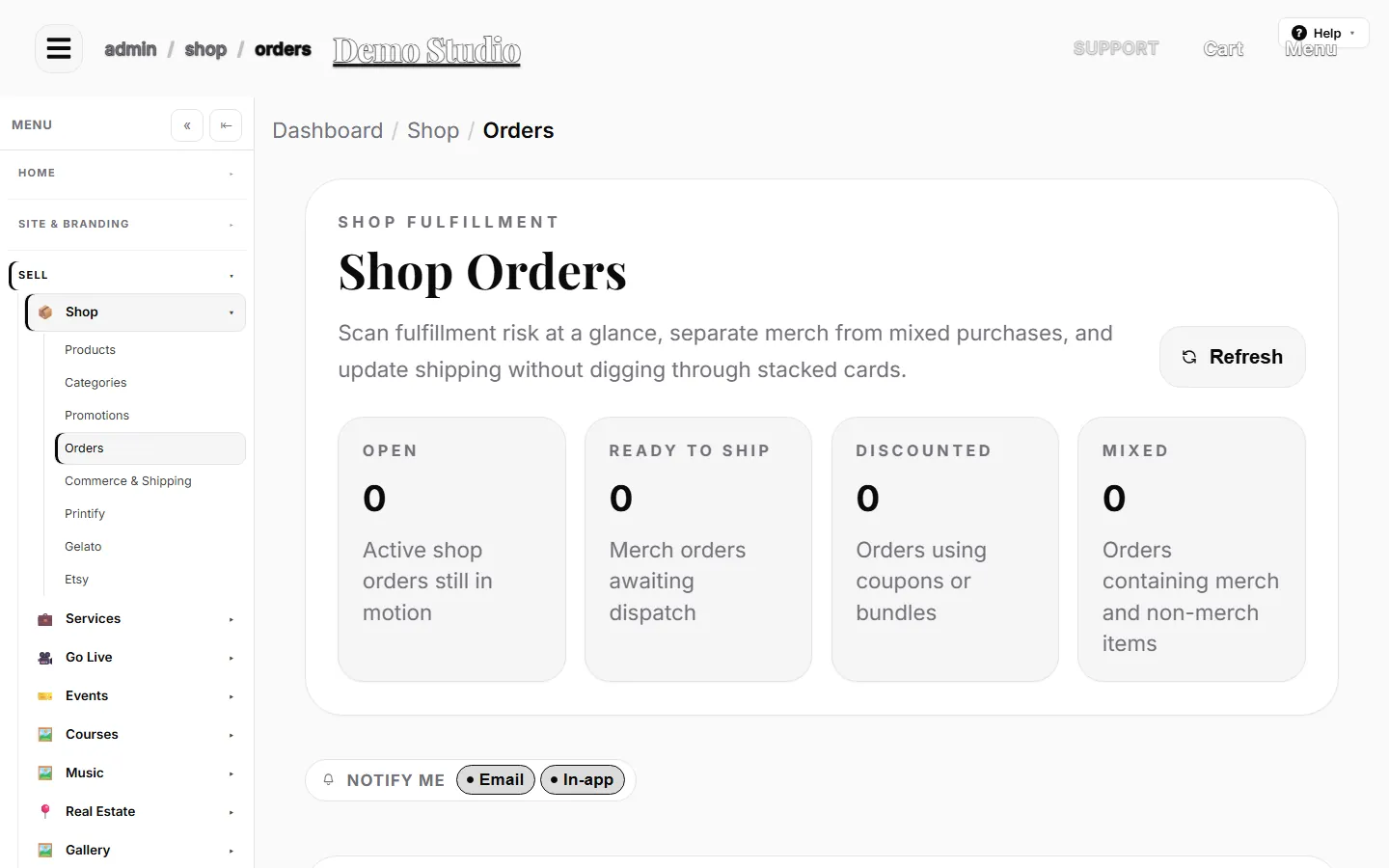
- Pick a view: Open, Ready to ship, In transit, Delivered, Discounted, Mixed or All. Open is the default.
- Click Show filters to search by order, customer, product or tracking number, and to filter by Fulfillment and Payment. Reset clears them.
- Click a row to open the order: customer, shipping address, items, and a payment summary with any discount.
- The queue shows 25 orders per page.
Use Notify me at the top to get an email, in-app alert or text when a new shop order comes in.
What each status means
| Fulfillment | What it means |
|---|---|
| Pending | Not shipped yet. |
| In transit | Marked Shipped, with a carrier and tracking number. |
| Delivered | Marked Delivered after it shipped. |
| Cancelled | Marked cancelled. This does not refund anything. |
| Payment | What it means |
|---|---|
| Created | Checkout started but not paid. |
| Paid | Payment went through. Partly refunded orders stay Paid. |
| Failed | The payment didn't go through. |
| Refunded | The payment was refunded in full. |
| Awaiting pickup payment | A pay-at-pickup order the customer hasn't paid yet. |
Other badges: Tracking means a tracking number is saved. Pay at pickup changes to Paid at pickup once paid. Orders printed by Gelato show a Gelato: badge with their print status.
Mark an order shipped or delivered
- Open the order and click Update fulfillment.
- Set Shipping status to Shipped.
- Enter the Carrier (for example UPS, USPS or FedEx) and the Tracking number.
- Click Save fulfillment.
To mark it delivered later, do the same and choose Delivered. You can only do this once the order is Shipped.
Gelato orders fill in their own tracking when Gelato ships them. Manage those under Gelato.
Take payment for a pay-at-pickup order
Unpaid pickup orders show Not paid yet - mark paid before handing over. When the customer pays you in person, open the order and click Mark paid. This only updates your records. No money moves through your site.
Refund part of an order
- Open the paid order.
- Click Refund partial.
- Type the amount in dollars. The prompt starts with the most you can still refund.
- Press OK.
- The amount must be above $0.00 and can't be more than what's left after earlier refunds.
- You can refund the same order more than once. A partly refunded order stays Paid.
- Your admins get an email when a refund is issued.
- Open in your payment provider opens that provider's dashboard if you need to check the payment there.
Questions
The page said Refund initiated, but my customer got nothing back.
For free orders, or payments you collected outside a payment provider, the refund is only recorded. No money is sent, even though the page says Refund initiated. Return the money to the customer yourself.
Why can't I see the refund button?
Refund buttons only show on paid orders with a linked payment, and only for people allowed to manage money on your site, such as owners and admins.
Does choosing Cancelled refund the customer?
No. Cancelled only changes the shipping status. Use Refund partial to send money back.
A Printify order shows Pending even though it's being printed.
Orders that Printify is producing show the Pending badge here until they ship.