Manage property amenities
Amenities is your list of features, such as a pool or garage, that you tick on each listing. Ticked amenities show on the public listing page, grouped by category.
Where to find it: /admin/real-estate/amenities in your admin.
Shows up when the Real Estate feature is turned on for your site.
Add an amenity
- Open Real Estate → Amenities.
- Type the Amenity name and pick a category.
- Optionally paste an emoji in Icon (emoji, optional).
- Click Add Amenity.
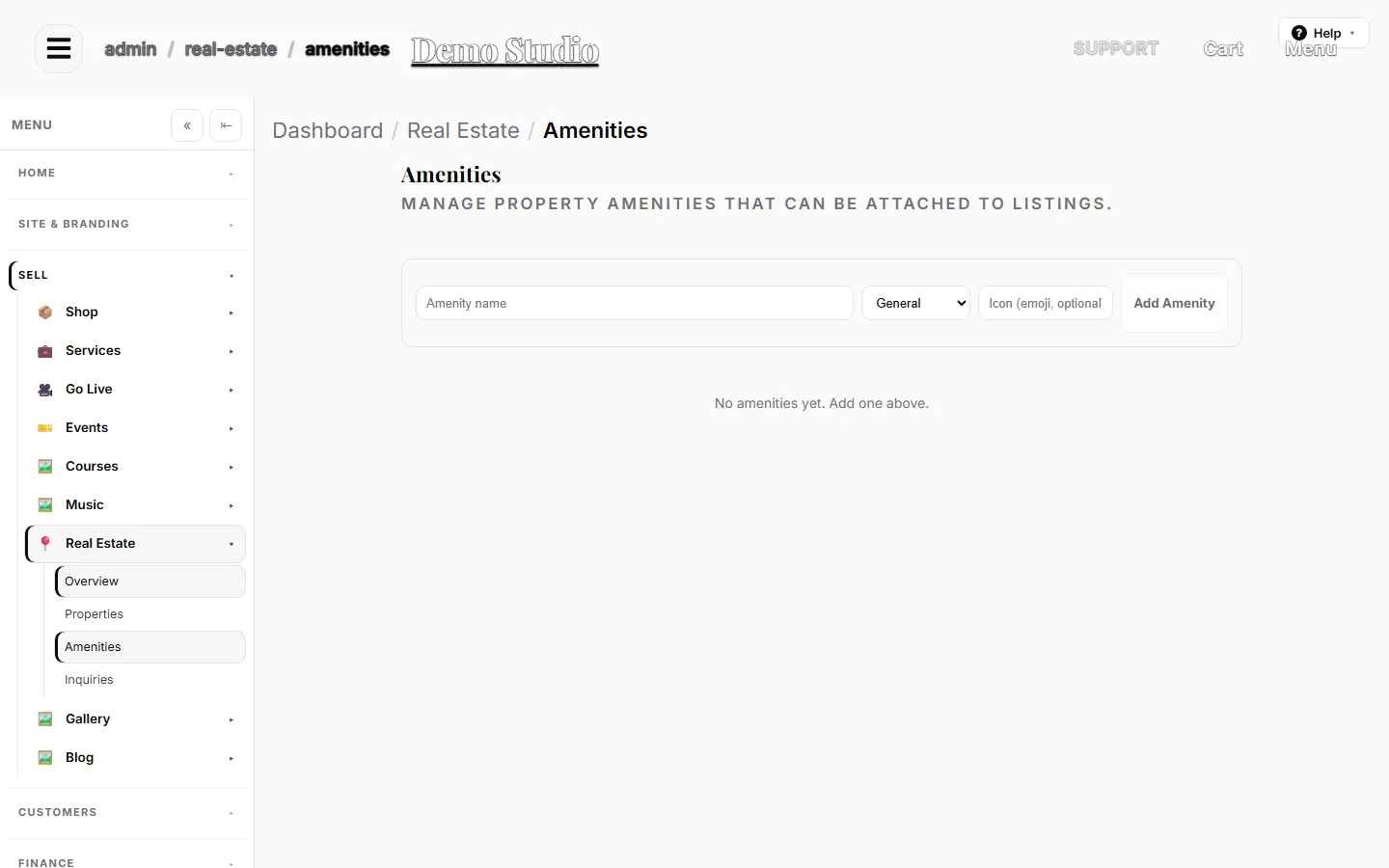
Names must be unique on your site. You can also add an amenity while editing a listing, on its Amenities tab.
Edit or delete
- Click Edit, change the icon, name or category, then Save.
- Click Delete and confirm to remove it.
When you use more than one category, tabs appear so you can filter the list.
Questions
Are amenities shared with other sites?
No. Each site has its own list.