Track sales trends in Analytics
Analytics shows how your sales are trending, where your money came from, and how visitors use your site. Use it to spot your best days and download sales for your records.
Where to find it: /admin/analytics in your admin.
Pick dates and filters
Open Home → Analytics. Click the ? button next to the title for a short tour.
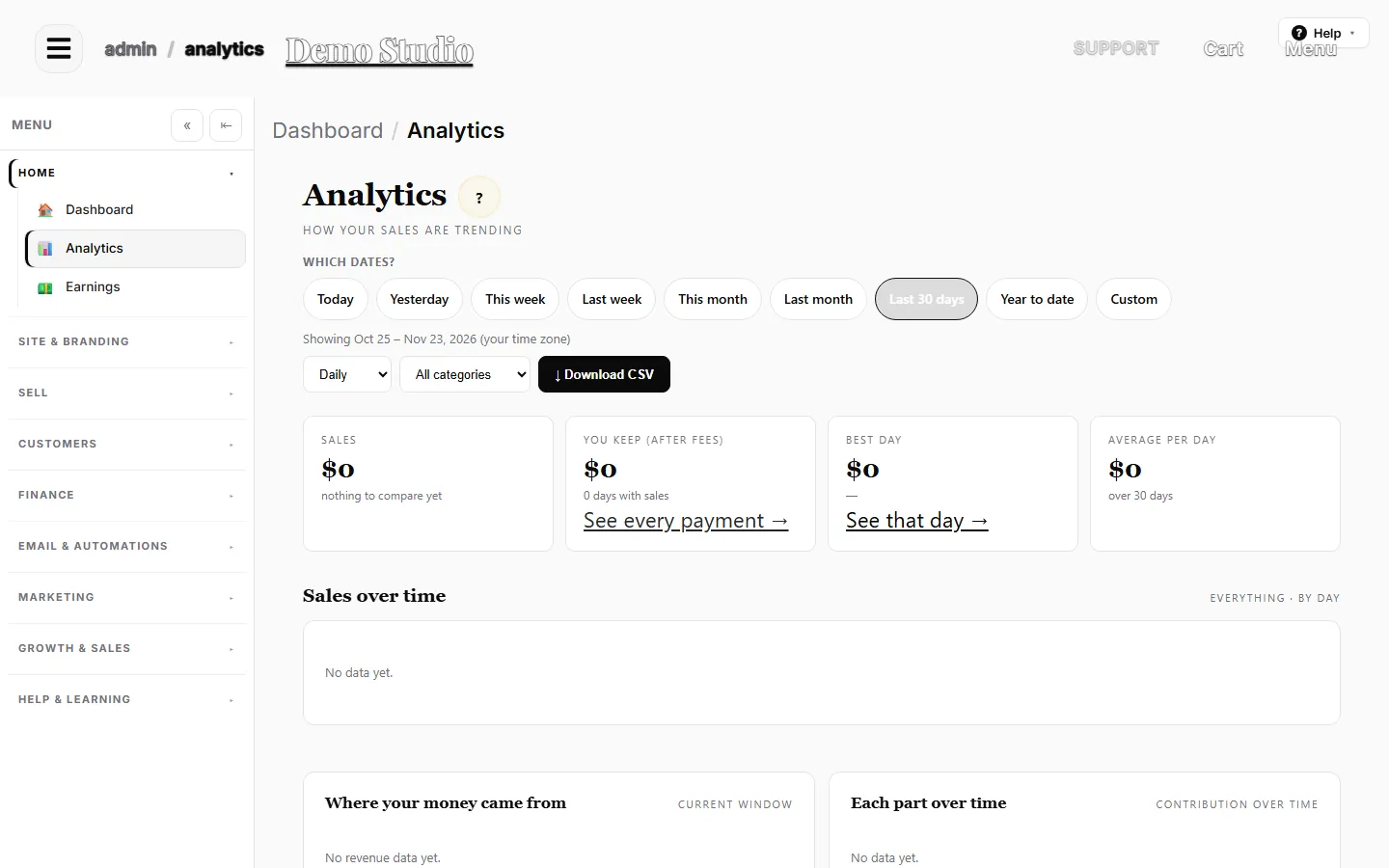
- Open Which dates? and pick a range such as This week, Last month or Year to date. Choose Custom to set your own start and end dates.
- Under Show the chart by, choose Daily, Weekly or Monthly.
- Under Category, keep All categories or pick one part of your business, such as Services, Subscriptions, Tips, Events or Shop.
Read your sales
- Sales, You keep (after fees), Best day and Average per day sum up the dates you picked. Click Best day to see that day in Earnings.
- Sales over time charts your sales.
- Where your money came from splits sales by part of your business, and Each part over time shows how each one moved.
- Best days lists your top days with what you kept, your biggest earner, members and tips.
- Monthly membership income shows membership income per month, paying members, average per member, and members who left in the last 30 days.
Shop, top performers and engagement
- Product Shop shows what you keep from the shop, orders, buyers and average order value. It needs the Shop turned on in Modules.
- Top Performers lists your top events, services, tippers and products.
- Engagement shows fans who signed in over 30 days, returning fans, messages sent, and how full your bookings are.
- Visitor paths, Where visitors come from and What visitors click show how people move around your site.
Download your sales
Click ↓ Download CSV to save the sales for the dates and category you picked. The file opens in Excel, Numbers or Google Sheets.
Questions
Analytics says to activate Shop in Settings. Where is that?
Turn the Shop on in Site & Branding → Modules.
Why does my custom date range show an error?
Pick both a start and an end date, and make sure the start is on or before the end.
Do Analytics and Earnings show the same money?
Analytics is for trends. Earnings lists every payment, fee and refund. Both use your business time zone.