Set your business time zone
Business Timezone sets the time zone your admin uses to read every time you type in. Set it once, during setup, so an 11 PM event means 11 PM where you are.
Where to find it: /admin/business-timezone in your admin.
What the time zone controls
Your admin reads every time you enter in this time zone: venue hours, events, event series and go-live schedules. Your Dashboard and Analytics also use it to decide when a day or week starts.
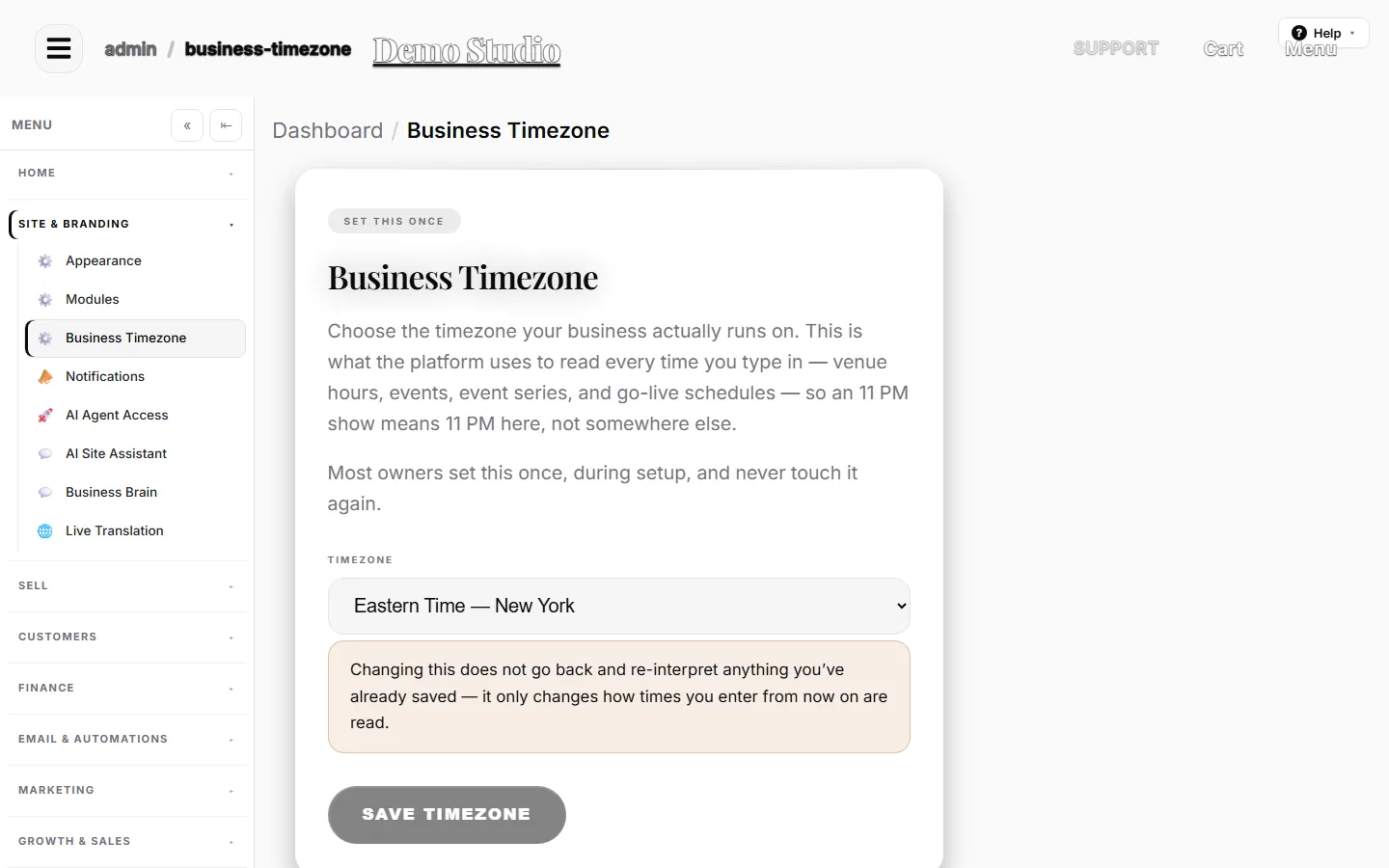
Set your time zone
- Open Site & Branding → Business Timezone.
- Choose your zone from Timezone, for example Eastern Time — New York.
- Click Save timezone. You'll see Timezone saved.
| Option | Use it for |
|---|---|
| Eastern Time — New York | Eastern time |
| Central Time — Chicago | Central time |
| Mountain Time — Denver | Mountain time with daylight saving |
| Mountain Time, no daylight saving — Phoenix | Arizona and other places that skip daylight saving |
| Pacific Time — Los Angeles | Pacific time |
| Alaska Time — Anchorage | Alaska |
| Hawaii Time — Honolulu | Hawaii |
Questions
The Save timezone button is greyed out.
It only turns on after you pick a different zone from the list.
My zone isn't in the list.
Only these seven US zones are offered. If your site is already set to another zone, the page tells you, and you can leave it as is or pick the closest match.
Who can change it?
Owners and admins with full access.