Turn features on and off with Modules
Modules is where you pick which features your business uses. Free features turn on with one click; Pro features need a request. Turning a feature on adds its pages to your admin menu.
Where to find it: /admin/modules in your admin.
Browse the features
Open Site & Branding → Modules. The top shows how many are on, for example 8 of 30 active.
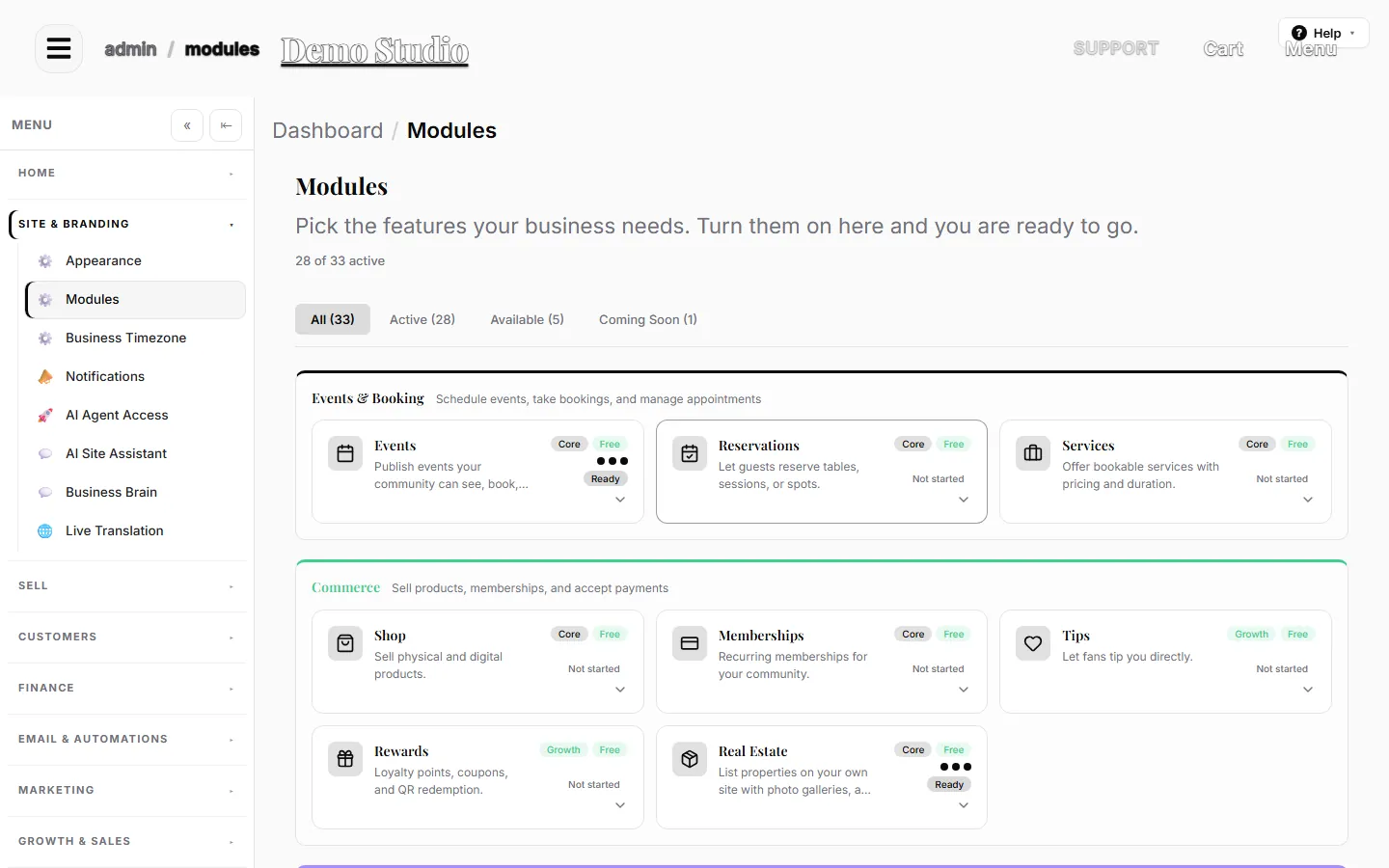
- Use the tabs All, Active, Available and Coming Soon to filter the list.
- Features are grouped into Events & Booking, Commerce, Content & Media, Operations & Growth and Platform Essentials.
- Click a card to see more: This enables, Requires (other features it needs), Used by (features that need it), and Watch tutorial when there is one.
| Badge | What it means |
|---|---|
| Free | Included. You can turn it on yourself. |
| Pro | A paid add-on. Ask us to turn it on. |
| Coming Soon | Not available yet. |
| Required | Always on. It can't be turned off. |
| Ready | On and set up. |
| Getting ready | On, with setup still to finish. |
| Not started | Not turned on yet. |
Turn a feature on
- Click Available to see what you can add.
- Click Enable on the card.
- If a box says it will also turn on other free features it relies on, click Enable all.
The menu updates straight away, so the new pages show up under their group.
Turn a feature off
- Click Active to see what's on.
- Click Disable on the card.
- If a box lists other features that depend on it, click Disable anyway to go ahead or Cancel to keep it.
Pro features
Pro features show a Contact Us button instead of Enable. Click it to email us and we'll set it up with you.
Questions
Does turning a feature off delete my data?
No. Turning a feature off hides its pages; it doesn't delete what you've added.
Why can't I turn off a feature marked Required?
Required features run your site's basics and are always on.
I'm a staff member and can't open Modules.
Only roles allowed to manage features can use this page. Ask the owner.