Send an email campaign
Write a marketing email, choose who gets it, send yourself a test, then send it now or schedule it. After it goes out, open its results to see who opened it and clicked.
Where to find it: /admin/marketing/email/campaigns in your admin.
Shows up when the Marketing Hub feature is turned on for your site.
Before you start
Email campaigns live under Email & Automations → Campaigns. You need two things before you can send one: a business mailing address saved in your email settings, and at least one list with contacts on it.
- Mailing address: open Email & Automations → Settings and fill in Business mailing address. The law (CAN-SPAM) requires it in marketing emails, and campaigns can't be sent or scheduled until it's saved. See Email settings and activity.
- Contacts: people who sign up, book or buy are added to All contacts on their own. You can also import a spreadsheet. See Email lists and segments.
Write and send a campaign
- Open Email & Automations → Campaigns and click New campaign.
- Under Who gets it?, type a Campaign name (only you see this), for example Summer sale announcement.
- Pick a list in Send to. To email a smaller group, pick a segment in Only people who match (optional). The live count shows how many people that is.
- Under Write your email, pick a starter template or write your own. You can also open Write it with AI, choose what the email is for and a Tone, then click Use this draft.
- Fill in Subject line, an optional Preview text (optional), and the Message. Use + First name, + Last name or + Business name to personalise it.
- Under Test it, then send it, click Send test to me, or send the test to a different address. Check the inbox and the spam folder.
- Click Send now and confirm with Send to N. Or pick a date under Or schedule it for later, click Schedule, then Schedule it.
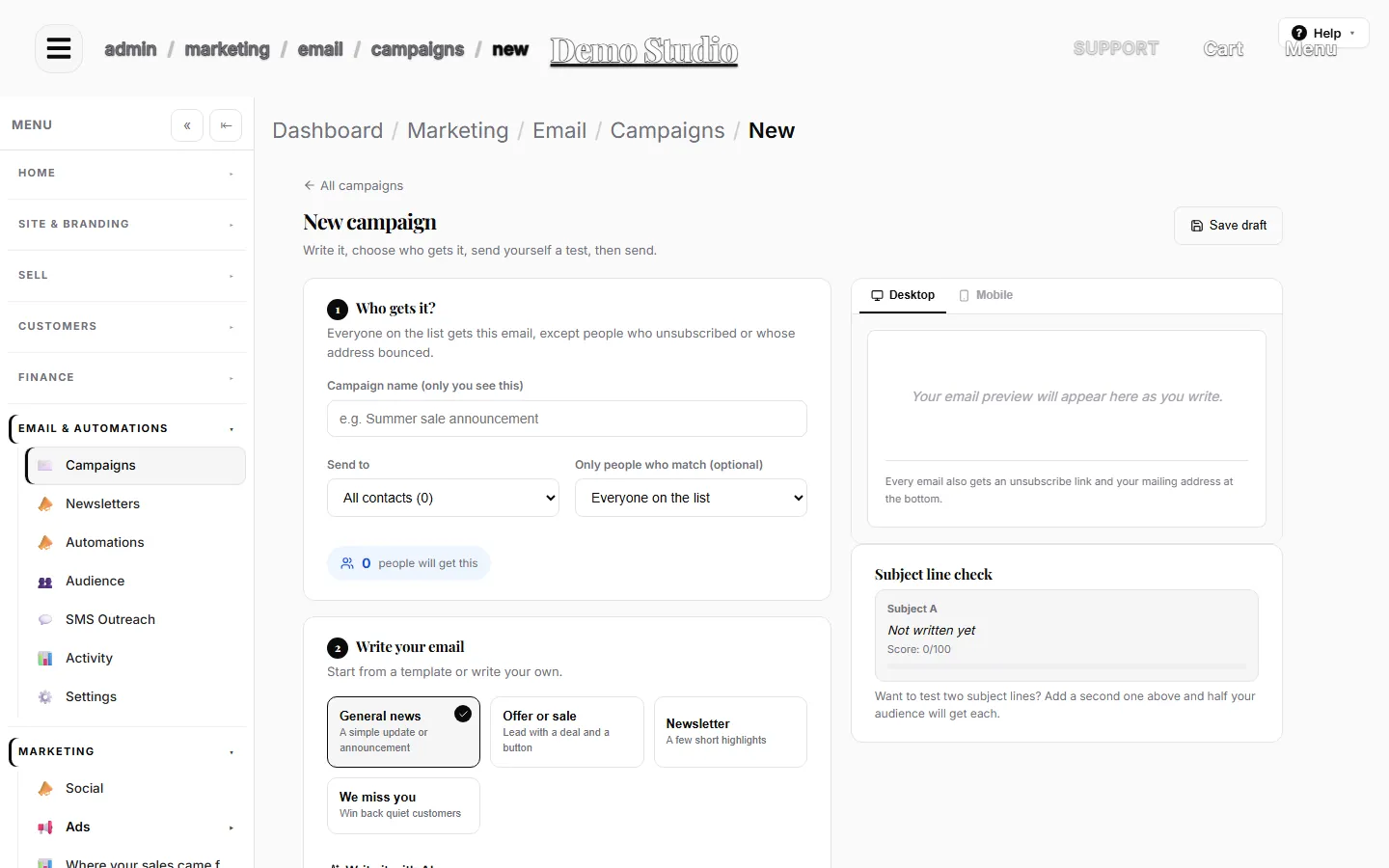
Click Save draft at any time to keep your work. People who unsubscribed or whose address bounced are left out on their own, and the confirm box tells you how many people will get it.
Test two subject lines
Click + Test a second subject line and fill in Second subject line (half your audience gets this one). Half of the people on the list get each subject, picked at random. Compare the open rates on the results page afterwards.
Manage your campaigns
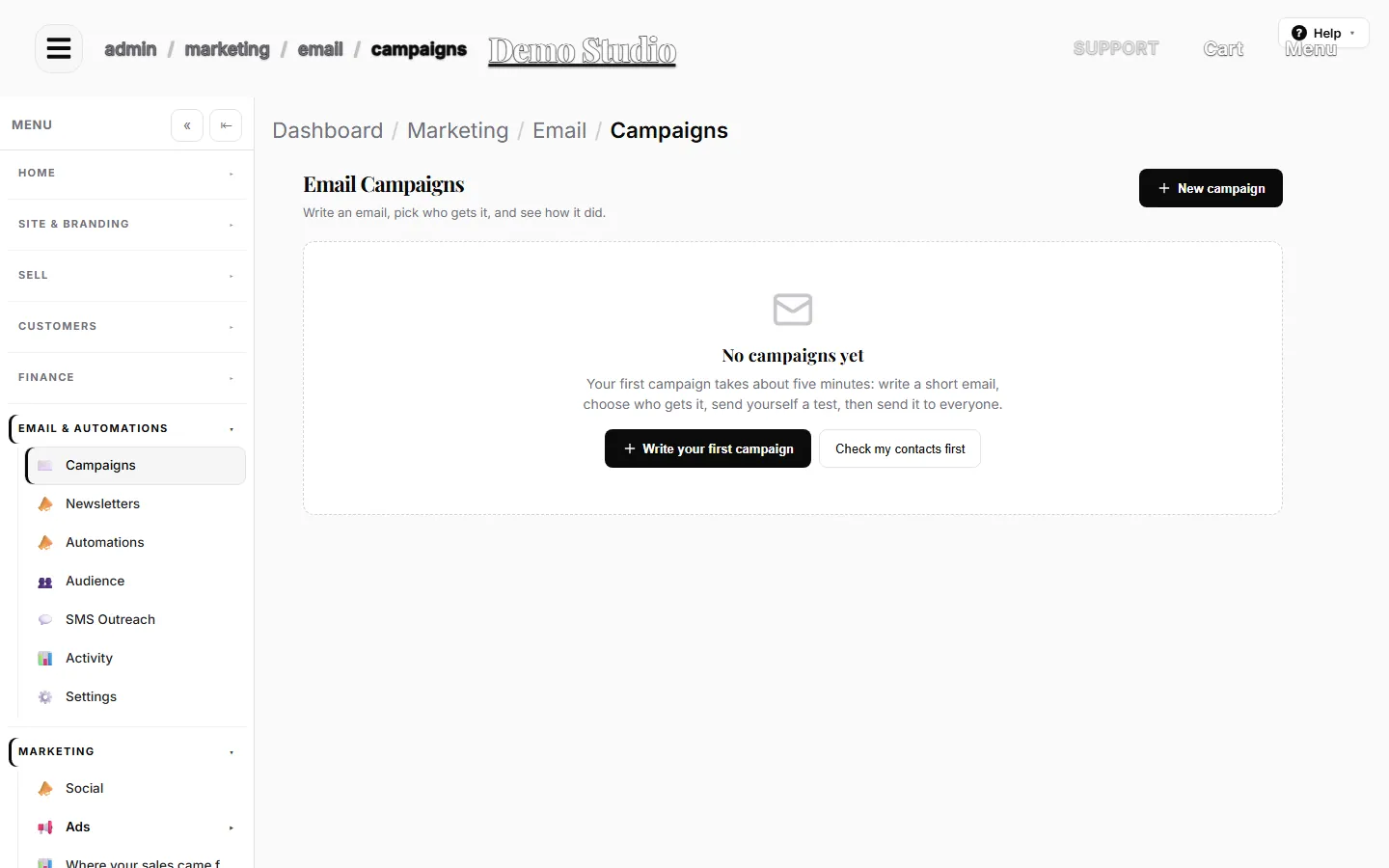
The Email Campaigns page lists every campaign with its status, number of recipients, date, and open and click rates.
- Duplicate makes a copy called "(copy)" and opens it as a new draft. Handy for reusing a sent email.
- Cancel schedule moves a scheduled campaign back to drafts so you can edit it.
- Stop sending halts a campaign that is going out. People who already got it keep their copy.
- The trash icon (Delete draft) removes a draft. Only drafts can be deleted.
| Status | What it means |
|---|---|
| Draft | Not sent yet. You can still edit it. |
| Scheduled | Will send at the time you picked. Cancel the schedule to edit it. |
| Sending | Going out now. You can stop it. |
| Sent | Finished. It can't be edited, but you can duplicate it. |
| Failed | The send didn't work. |
| Cancelled | The send was stopped. |
See how a campaign did
Click Results on a sent campaign. You'll see Recipients, Sent, Opened, Clicked a link, Bounced, Unsubscribed, Marked as spam and Couldn't send, plus the Open rate and Click rate. Press Refresh while a campaign is still sending.
Questions
Why can't I send or schedule my campaign?
Campaigns can't go out until a business mailing address is saved under Email & Automations → Settings. Add it, save, and try again.
How far ahead do I have to schedule?
The send time must be at least 5 minutes from now.
Can I edit a campaign after it's sent?
No. Sent and sending campaigns are read-only. Use Duplicate to make an editable copy.
It says there is nobody to send this to. What now?
The list you picked has no contacts you can email. Pick a list that has contacts, or add contacts under Audience first.