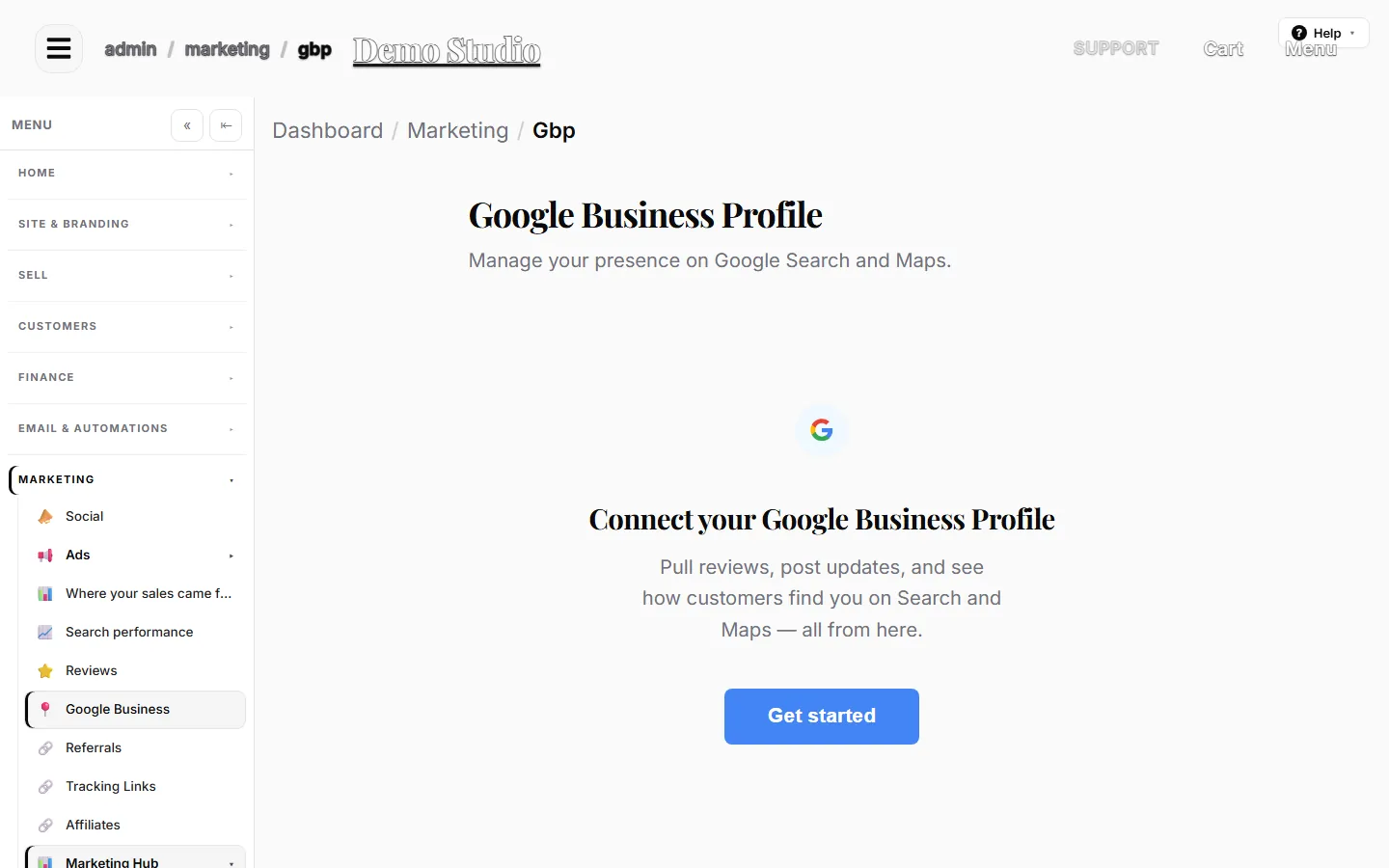
Manage your Google Business Profile
Connect your Google Business Profile, pick your listing, edit your description, phone and website, and publish updates, offers and events to your listing on Google Search and Maps.
Where to find it: /admin/marketing/gbp in your admin.
Shows up when the Marketing Hub feature is turned on for your site.
Connect your listing
- Open Marketing → Google Business and click Get started.
- Click Connect Google Business, then Next: Review access.
- Check What we'll access and click Looks good, continue.
- Click Connect with Google and sign in with the Google account that manages your listing.
- Under Select your Business Profile listing, pick the Google account, then the location.
- Click Confirm.
- No Business Profiles found: click Create a Business Profile to make one on Google first.
- No locations found: click Add a location on Google.
- Google API access pending: Google is still approving access. Contact support if it lasts more than a few business days.
Edit your business info
- Under Business info, click Edit Business Info.
- Change Business Description (up to 750 characters), Primary Phone or Website URL.
- Click Save changes.
Publish a post
- Click + New post.
- Choose Update, Offer or Event.
- For an offer or event, fill in the title, Start date and End date, and an optional Coupon code (optional).
- Write the post text, up to 1,500 characters.
- Click Publish post.
Reconnect or disconnect
The header shows your listing name and whether it's Connected. If it says Token expired — reconnect to refresh, click Reconnect Google. Use View on Google Maps ↗ or Manage on Google ↗ to open your listing on Google. Disconnect removes the link to your admin and asks you to confirm with Yes, disconnect.
Questions
Which Google account should I sign in with?
The one that owns or manages your Business Profile on Google.
Do changes here show on Google?
Yes. Save changes and Publish post both change your live Google listing.
It says Listing not yet linked. What do I do?
Pick a listing so your admin knows which location to update.