Collect and reply to reviews
Collect reviews from customers after a booking or paid order, send happy customers to your Google review page, and read and reply to the ratings left through your site's review widget.
Where to find it: /admin/marketing/reviews in your admin.
Shows up when the Marketing Hub feature is turned on for your site.
Turn on review requests
- Open Marketing → Reviews and choose the Collection settings tab.
- Turn on Automatic review collection.
- Pick when to ask in Send request after. 48 hours is recommended.
- Pick Send via: Email, SMS or both.
- Optionally turn on Smart routing to send 1 to 4 star ratings to private feedback instead of Google.
- Click Save settings.
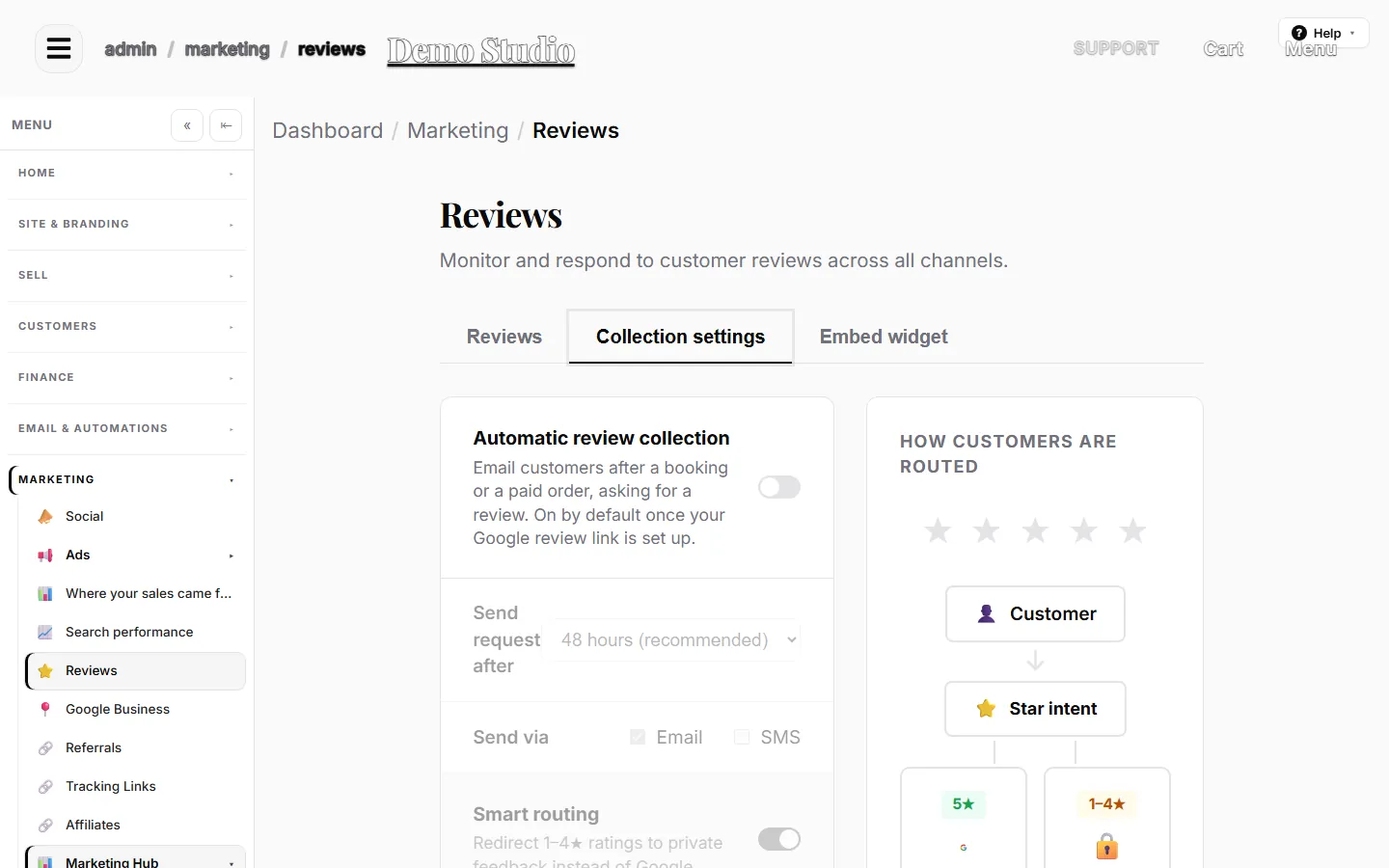
The How customers are routed preview shows where each rating goes. Customers who give 5 stars are sent to your Google review page. That link comes from the Google Place ID in your site settings, so set that up first.
Add the review widget to your site
- Open the Embed widget tab.
- Choose a Variant: Inline (embedded in page), Modal (opens on click) or Floating button (bottom-right).
- Optionally pick an Accent color (optional) and check the Live preview.
- Click Copy on the snippet you need and paste it into a page.
Read and reply to reviews
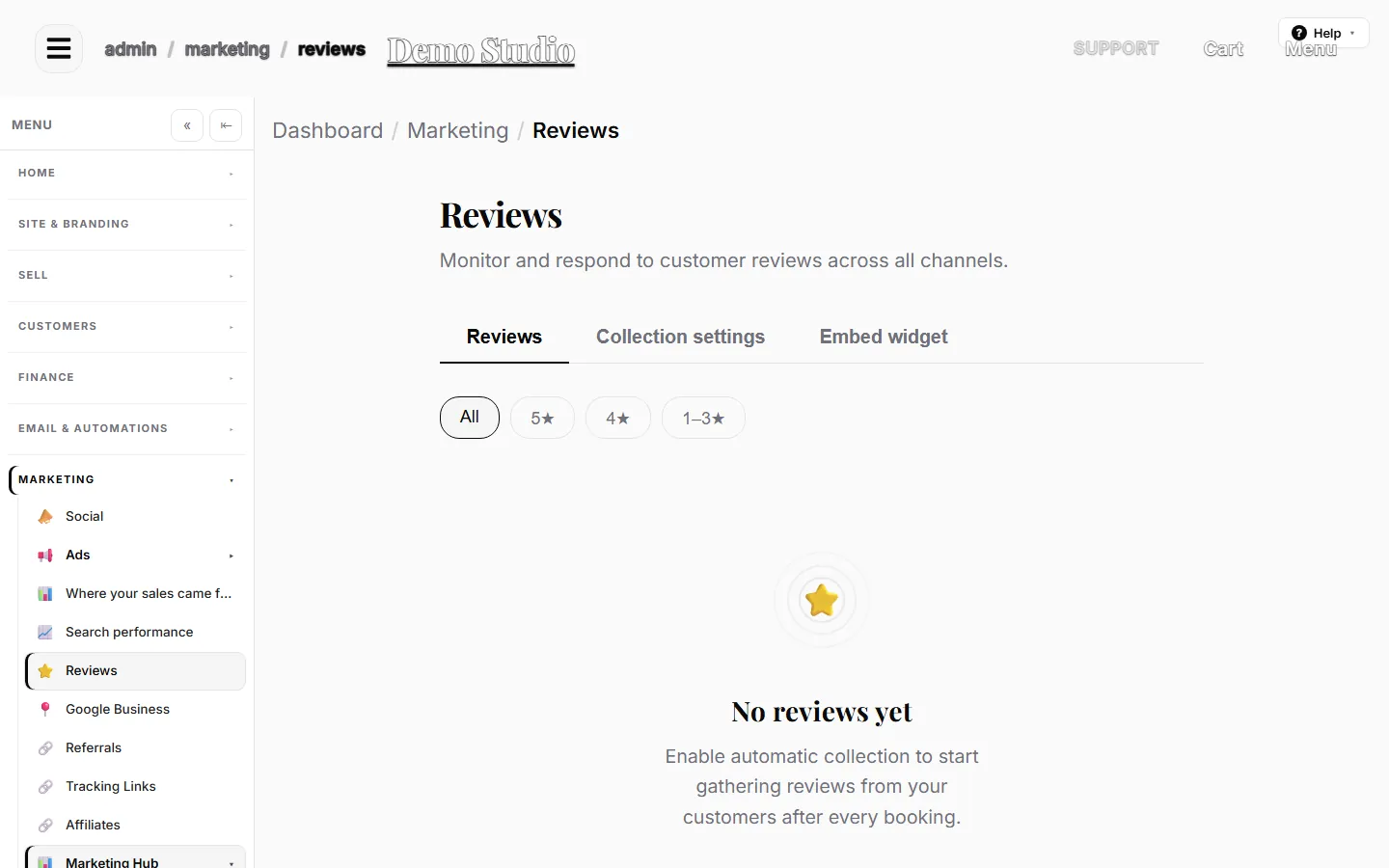
The Reviews tab lists ratings left through your site's review widget. The tiles show Avg rating, Total reviews, Response rate and Awaiting reply. Filter by 5★, 4★ or 1–3★. Low ratings sent to private feedback are tagged Private note.
- Click Respond on a review, or ✦ AI draft to start from a suggested reply.
- Edit the text.
- Click Post response.
Questions
Do my Google reviews show up here?
No. This page shows reviews left through your site's own review widget.
What happens to low ratings?
With Smart routing on, 1 to 4 star ratings become private feedback instead of going to Google. The feedback is also emailed to you.
Why aren't review requests going out?
Check that collection is on and saved, and that your Google review link is set up through the Google Place ID in your site settings.