Use the Marketing Hub overview
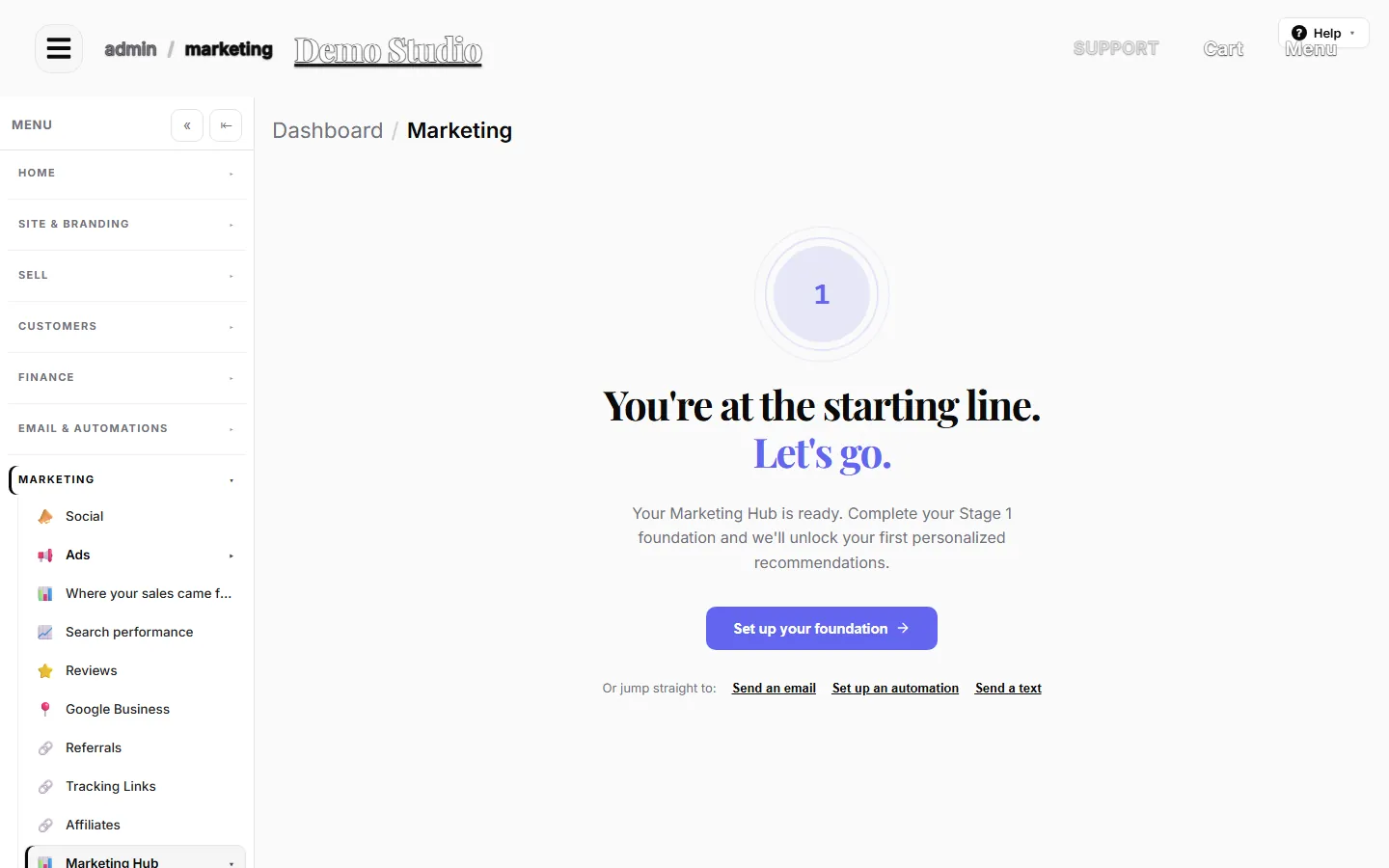
The Marketing Hub overview shows how your emails, texts and reviews are doing, and suggests your next three moves. Use it as a starting point to decide what to do next in marketing.
Where to find it: /admin/marketing in your admin.
Shows up when the Marketing Hub feature is turned on for your site.
Read the overview
Open Marketing → Marketing Hub → Overview. The tiles at the top show Emails sent (30d), Email opens, New reviews and Email clicks. Below them you'll find Your Stage of Digital Maturity, Activity, Revenue (30d), Channel mix and Benchmark.
The Review Widget card counts how often your review widget was seen, how many ratings came in, how many were sent to Google, and how many became private feedback.
Act on your next moves
- Look at Your next 3 moves.
- Click Apply on a suggestion. It takes you to the page where you do that task. Nothing happens on its own.
- Dismiss a suggestion you don't want. Click Undo if you change your mind.
Questions
Does Apply change anything by itself?
No. It marks the suggestion as done and opens the page where you can do it.
Why are my numbers empty?
The tiles fill in once you send emails or texts or collect reviews. Click the refresh icon to reload them.