Publish one event to Eventbrite
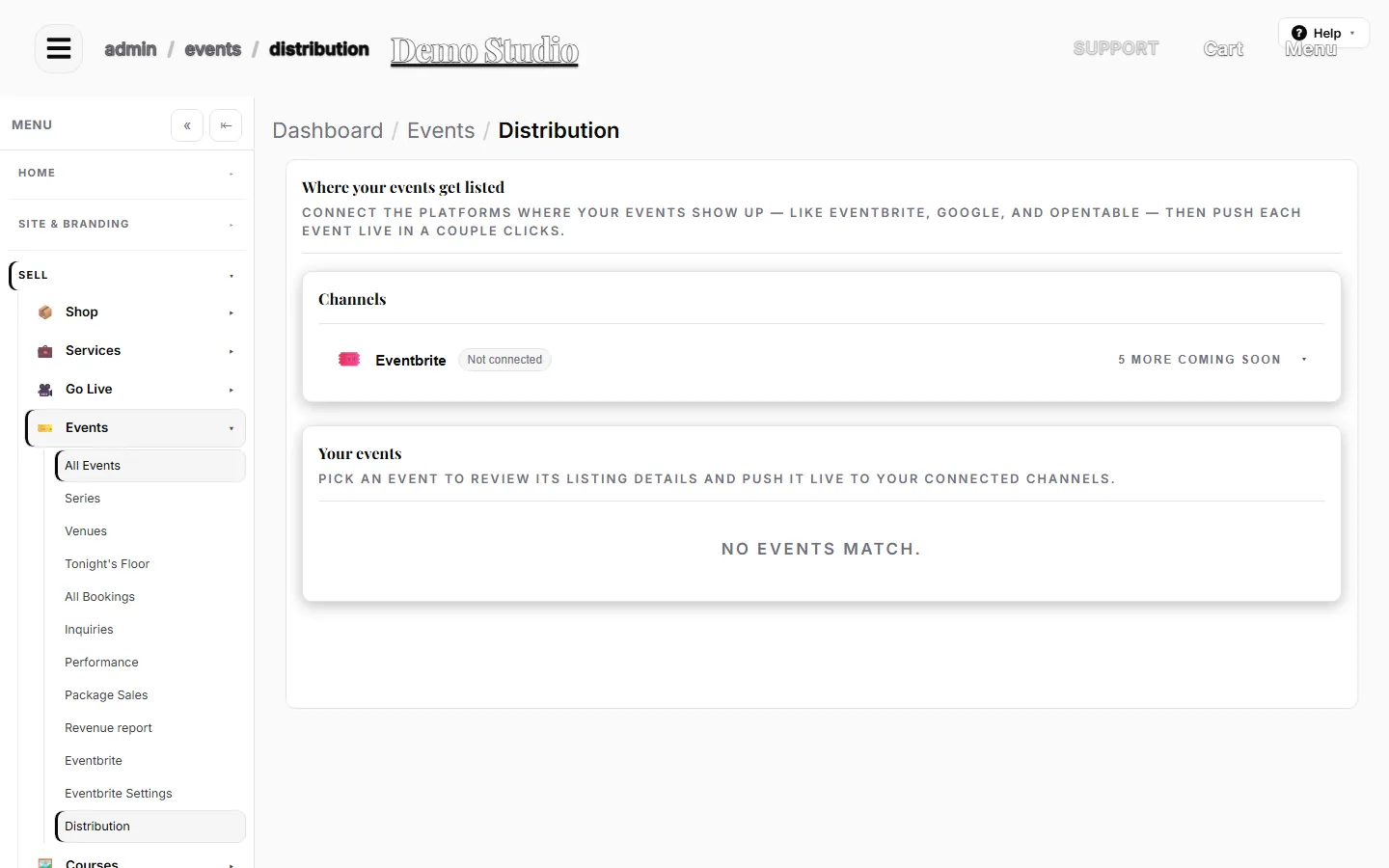
Distribution lists your events with a button to review each listing and publish it to Eventbrite by hand. Eventbrite is the only listing site that posts today. The others are marked coming soon.
Where to find it: /admin/events/distribution in your admin.
Shows up when the Distribution feature is turned on for your site.
Open your events
- Open Events → Distribution. The page is titled Where your events get listed.
- If Eventbrite isn't connected yet, connect it in Eventbrite Settings first. The private token works like a password.
- Find the event and click Review & publish →.
Events already on Eventbrite show an EB ↗ link. If your Eventbrite login reaches several accounts, finish choosing one in Eventbrite Settings.
Review and publish
- Edit Listing info (short title, one-line description, performers, tags) and Contact info shown to guests.
- Under Where should we list this event?, keep Eventbrite ticked.
- Click Save.
- Click Build preview, then open Channel status and read What gets posted.
- Click Publish.
If you change anything after building the preview, build it again before publishing. If a channel shows Error, fix it and click Retry this channel.
What goes to Eventbrite
- With tickets on: one General Admission ticket at your site's price, your capacity and per-order limit.
- With tickets off: a free RSVP ticket.
- Tables and drink packages stay on your site.
- For an existing listing, the title, description, date, venue and image are updated. The ticket isn't changed.
The Reservations & guest list settings are saved but not used by any connected site yet. You can skip them.
Questions
Do Google Reserve, Tripadvisor, Yelp or OpenTable get my event?
No. Those are marked coming soon. Only Eventbrite actually receives anything today.
Can this and auto-post list the same night twice?
Auto-post sees a night you published here as listed by hand and leaves it alone.