Refund a payment
Refund a customer from the shop order or tip they paid for. The Refunds page then keeps a log of every refund, and lets you refund more of a payment you've already partly refunded.
Where to find it: /admin/refunds in your admin.
What a refund does
Only the owner, admins and staff with Manage disputes & refunds can issue refunds.
Start a refund
A first refund starts from the thing the customer paid for.
- For a shop order, go to Sell → Shop → Orders and find the order.
- Click Refund full to refund the whole order, and confirm. Or click Refund partial, type the amount, and click OK.
- You'll see "Refund initiated."
For a tip, use ↩ Refund on the Tips page. See See and refund tips.
Check your refunds
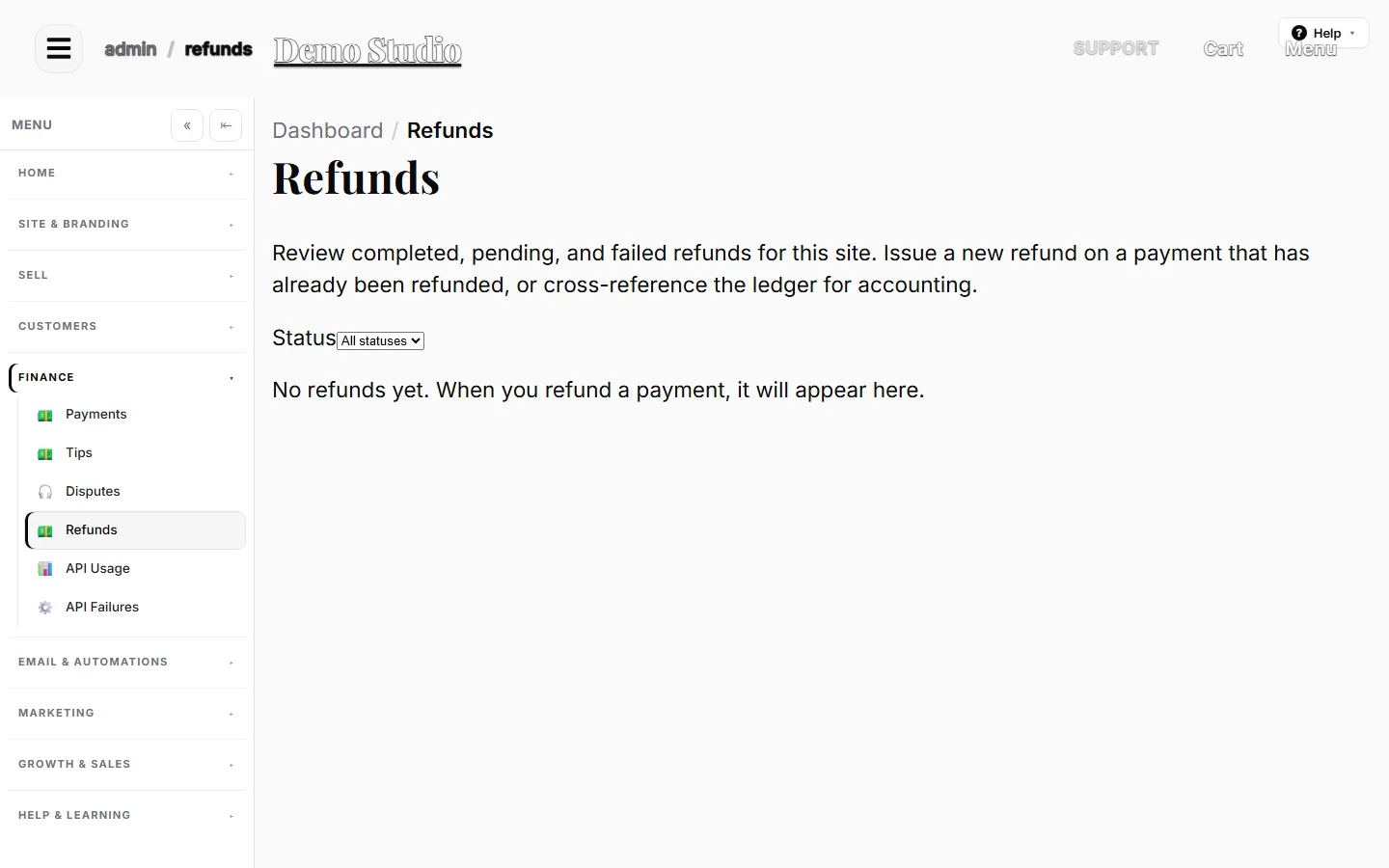
Go to Finance → Refunds. The page lists every refund with the date, who issued it, the original charge, the amount refunded and the status. Use Status to show only one kind. The list shows 20 refunds per page.
| Status | What it means |
|---|---|
| Pending | The refund was sent and is waiting to finish. |
| Succeeded | The refund went through. |
| Failed | The refund didn't go through. No money moved. |
Refund more of the same payment
- On the Refunds page, find the payment and click Issue Refund.
- In Issue a refund, check the payment and the original charge.
- Set the Refund amount (USD). Check the amount yourself against what the customer has already been refunded.
- Pick a Reason: Requested by customer, Duplicate, Fraudulent or Other.
- Click Issue refund.
You'll see "Refund submitted. It should settle shortly."
Questions
Why can't I find a payment on the Refunds page?
The Refunds page only lists payments that already have a refund. Start a first refund from the shop order or tip.
It says the refund exceeds what is still refundable. Why?
The payment has already been refunded up to that amount. Lower the amount to what is left.
Does the refund go back through Stripe even if I use Square?
No. The refund goes back through whichever processor took the original payment.