Service locations and travel schedule
Service locations lists the places you work, each with a time zone. Travel Schedule records where you will be and when. Confirmed trips close in-person services tied to other places for those days.
Where to find it: /admin/locations in your admin.
Shows up when the Services feature is turned on for your site.
Add a venue
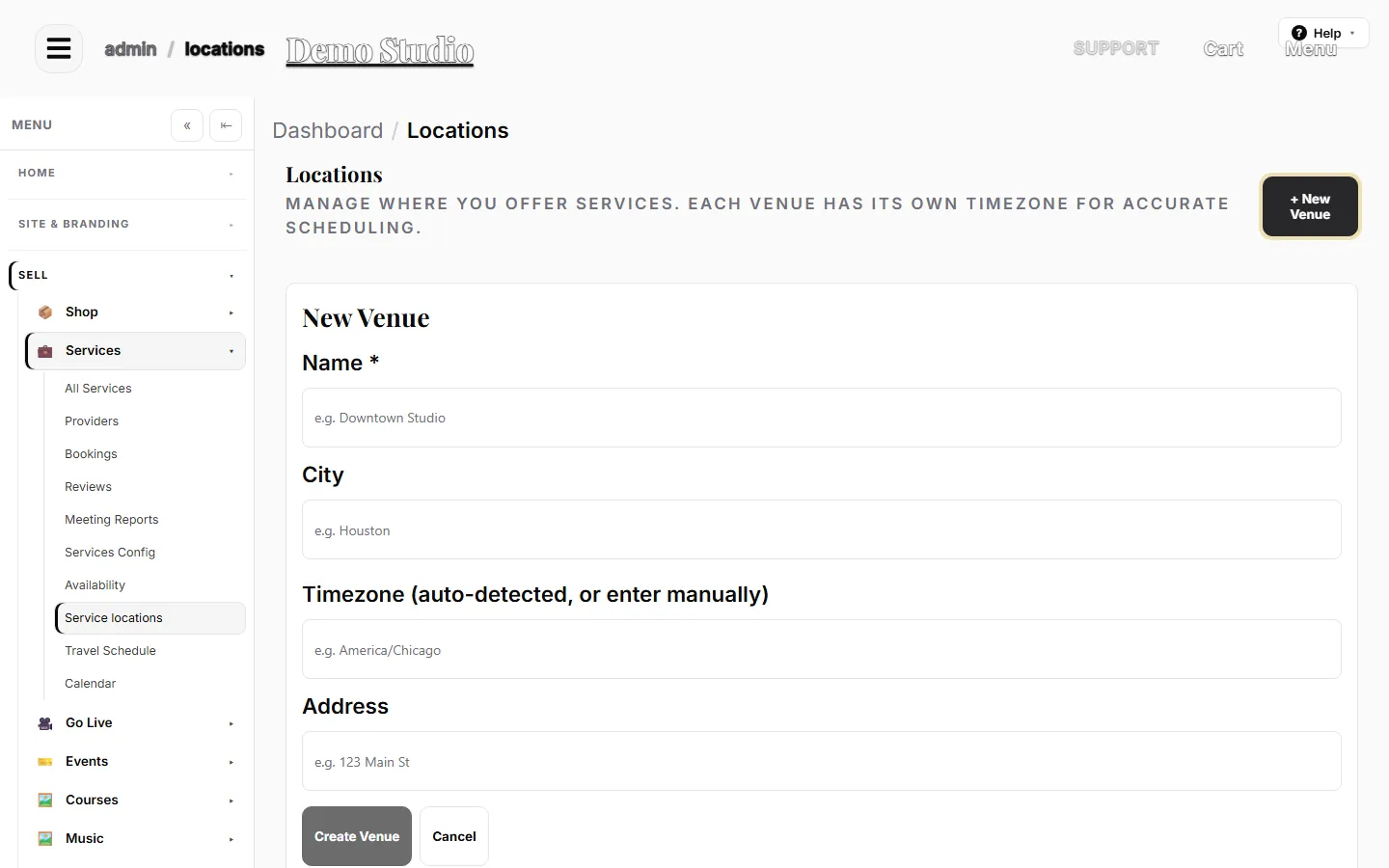
- Open Services → Service locations and click + New Venue.
- Enter a Name * and a City. The time zone fills in by itself after a moment.
- Check Timezone (auto-detected, or enter manually) and add an Address.
- Click Create Venue.
Click Set Default on the venue you use most. The default venue's time zone is used for your whole admin calendar. A new venue doesn't become the default by itself.
Delete asks you to confirm and is permanent. You can't delete the default venue, or a venue with services that still have waiting or confirmed bookings.
Tie a service to a venue
Open the service, and in step 1 under Location, pick a place and click Add. You can also do this from the calendar under Locations → Where each service runs. See Use your services calendar.
Add a trip
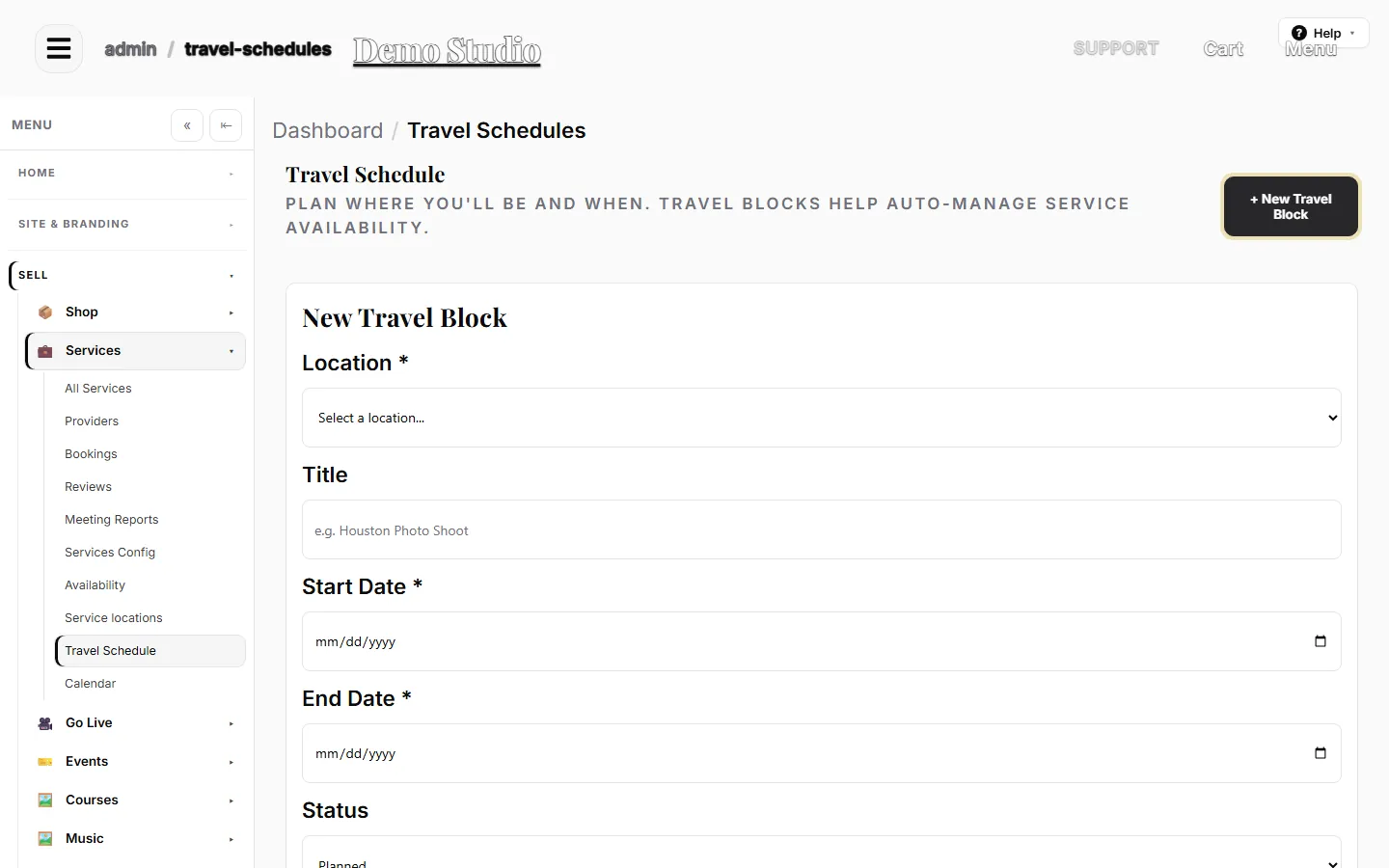
- Open Services → Travel Schedule and click + New Travel Block.
- Pick the Location *. Create the venue first if it isn't listed.
- Set Start Date * and End Date *, and optionally a Title and Notes.
- Pick a Status and click Create Travel Block.
| Status | What it does |
|---|---|
| Planned | Saved for your records. Your services stay open. The city can still show on your public Services page. |
| Confirmed | In-person services tied to a different venue close for every day of the trip. |
| Cancelled | Kept in the list but has no effect. |
A yellow warning appears when a trip overlaps another trip to a different venue. You can still save.
What customers see
Your public Services page can show a "near you" banner with the cities of upcoming trips that aren't cancelled. By default only the city shows, not the dates. Fans are not notified about trips.
Questions
Is this the same list as my event venues?
No. Service locations and event venues are separate lists.
Can I undo deleting a trip or venue?
No. Both deletes are permanent. To keep a trip on record without effect, set its status to Cancelled.